
Definition of CHOOSE
Returns an element from a list of choices based on index.
Sample Usage
CHOOSE(2,"A","B","C")
Syntax
CHOOSE(index, choice1, [choice2, ...])
-
index- Which choice (of the up to 30 provided) to return.-
If
indexis zero, negative, or greater than the number of choices provided, the#VALUE!error is returned.
-
-
choice1- A potential value to return. Required. May be a reference to a cell or an individual value. -
choice2, ...- Additional values among which to choose.
See Also
OFFSET: Returns a range reference shifted a specified number of rows and columns from a starting cell reference.
In order to use the CHOOSE formula, start with your edited Excellentable:
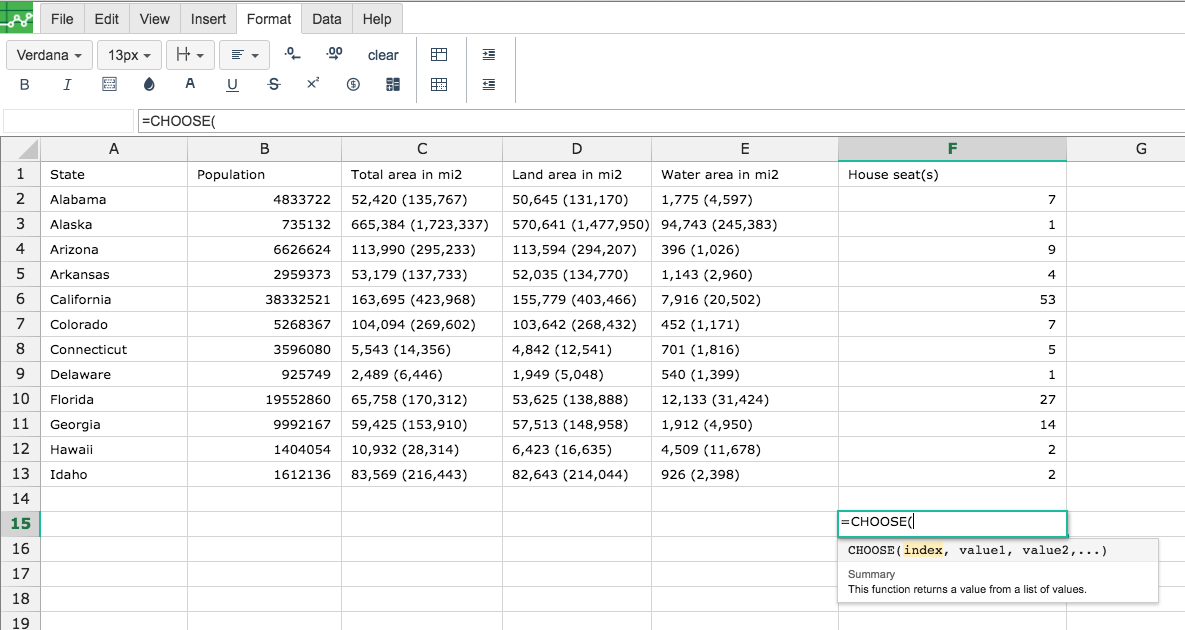
Then type in the CHOOSE Formula in the area you would like to display the outcome:
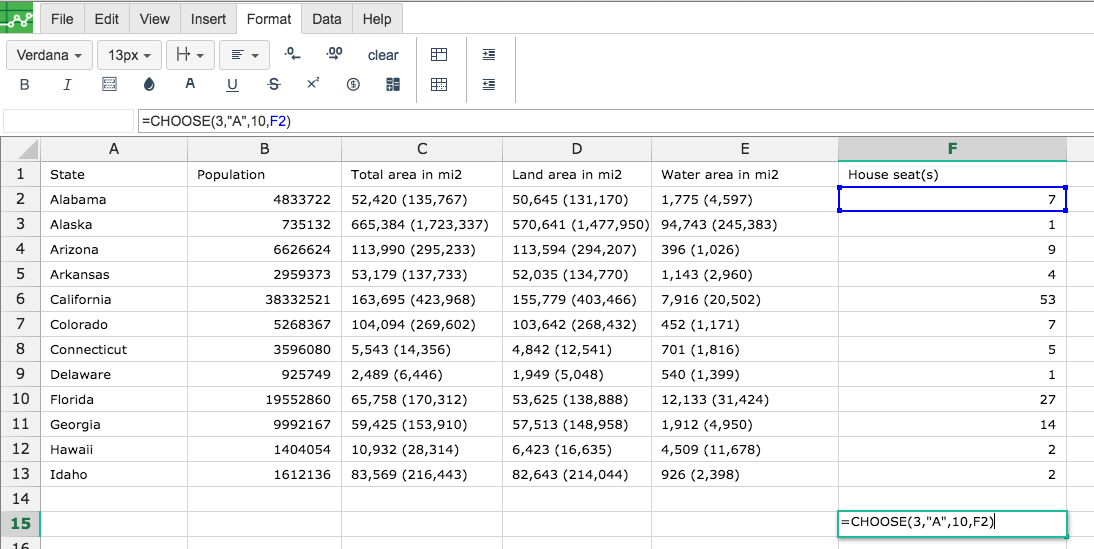
Note : Here all the values can be a string, an integer or refernce to a cell
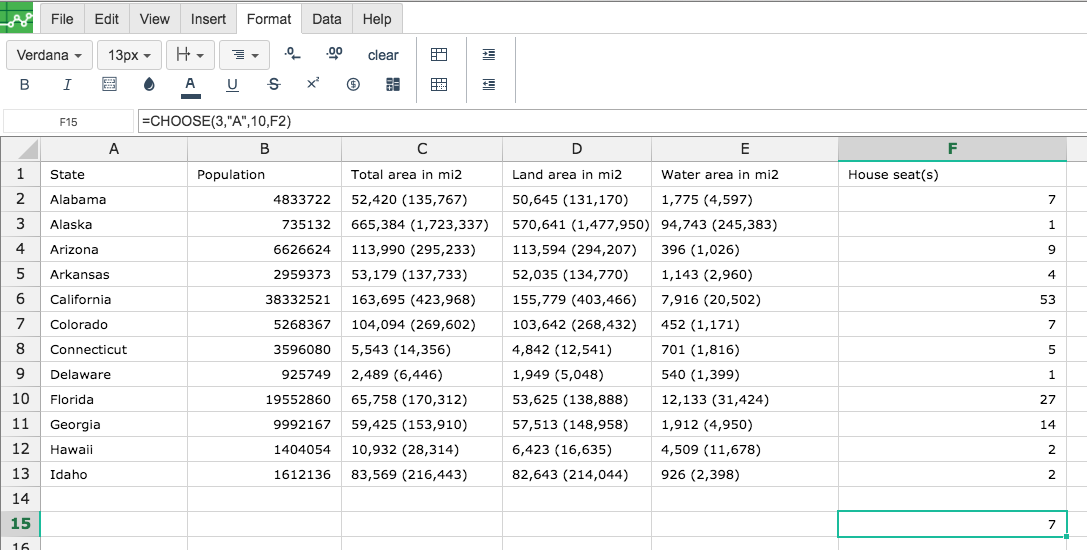
By clicking on the cell you would like to calculate the CHOOSE formula for, Excellentable will generate the outcome:
There were errors rendering macro:
- An unknown error occurred.