
Definition of COLUMNS
Returns the number of columns in a specified array or range.
Sample Usage
COLUMNS(A9:W62)
COLUMNS({1,2,3,4,5})
Syntax
COLUMNS(range)
-
range- The range whose column count will be returned
See Also
ROWS: Returns the number of rows in a specified array or range.
ROW: Returns the row number of a specified cell.
COLUMN: Returns the column number of a specified cell, with `A=1`.
Examples
Returns the number of columns in the given reference.
In order to use the COLUMNS formula, start with your edited Excellentable
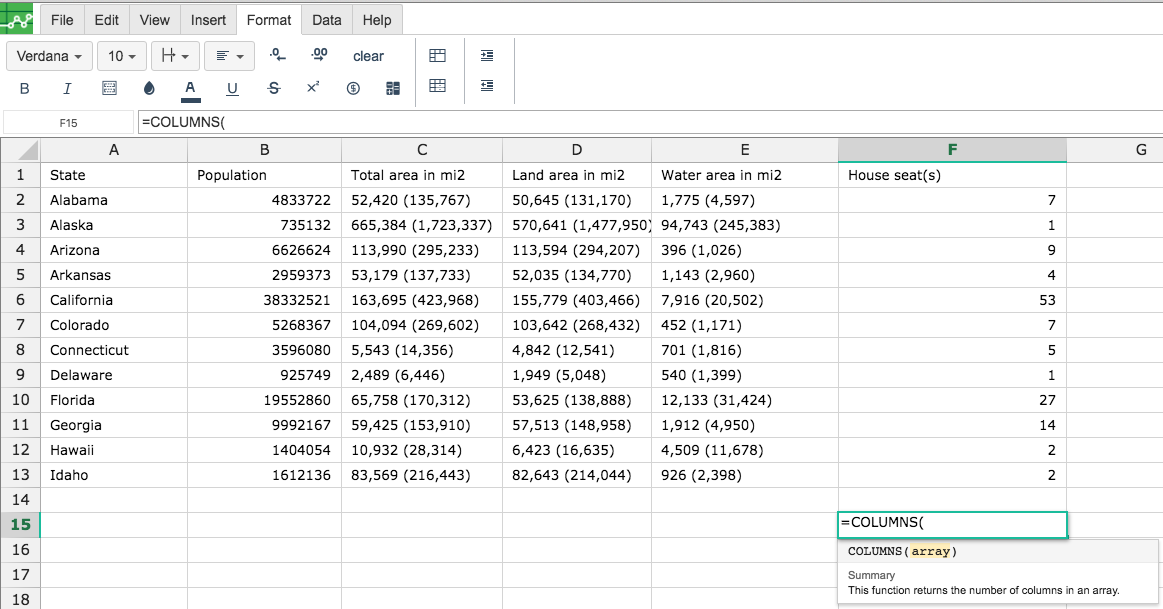
Then type in the COLUMNS Formula in the area you would like to display the outcome:
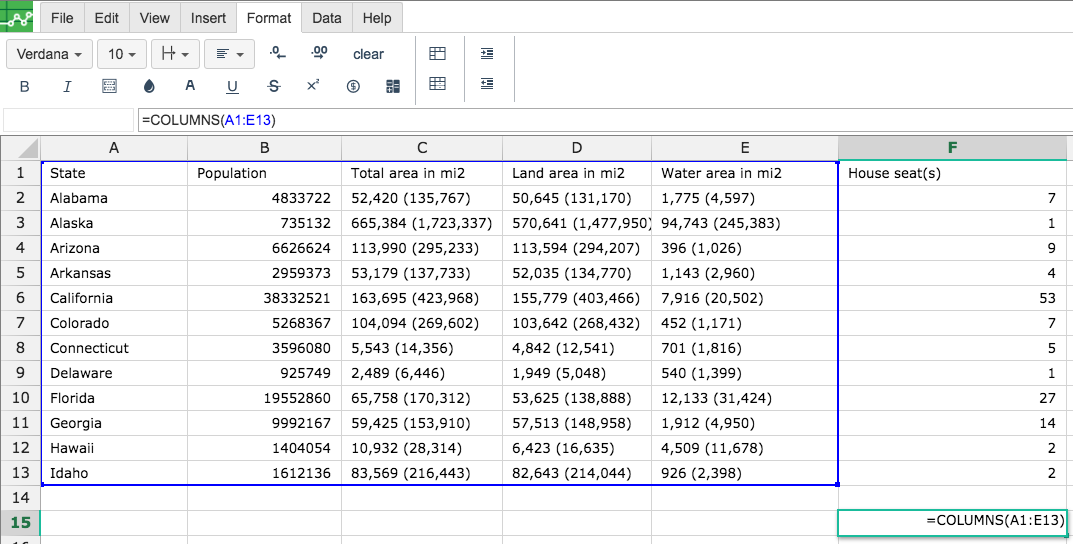
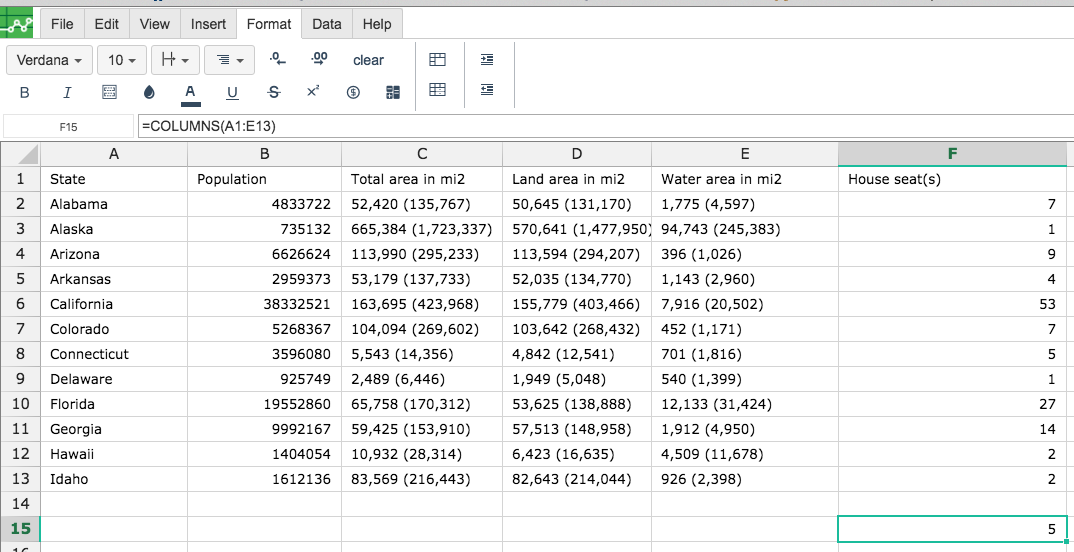
By adding the values you would like to calculate the COLUMNS formula for, Excellentable will generate the outcome:
There were errors rendering macro:
- An unknown error occurred.