
Definition of COUNTA
Returns a count of the number of values in a dataset.
Sample Usage
COUNTA(A2:A100,B2:B100,4,26)
COUNTA(1,2,3,4,5,C6:C20)
Syntax
COUNTA(value1, [value2, ...])
-
value1- The first value or range to consider when counting. -
value2, ...- [ OPTIONAL ] - Additional values or ranges to consider when counting.
Notes
-
Although
COUNTAis specified as taking a maximum of 30 arguments, but it is an arbitrary number of arguments for this function. -
COUNTAcounts all values in a dataset, including those which appear more than once and text values (including zero-length strings and whitespace). To count unique values, useCOUNTUNIQUE. To count only numeric values useCOUNT.
See Also
MODE: Returns the most commonly occurring value in a dataset.
DCOUNTA: Counts values, including text, selected from a database table-like array or range using a SQL-like query.
DCOUNT: Counts numeric values selected from a database table-like array or range using a SQL-like query.
COUNTUNIQUE: Counts the number of unique values in a list of specified values and ranges.
COUNTIF: Returns a conditional count across a range.
COUNTBLANK: Returns the number of empty cells in a given range.
COUNT: Returns a count of the number of numeric values in a dataset.
In order to use the COUNTA formula, start with your edited Excellentable:
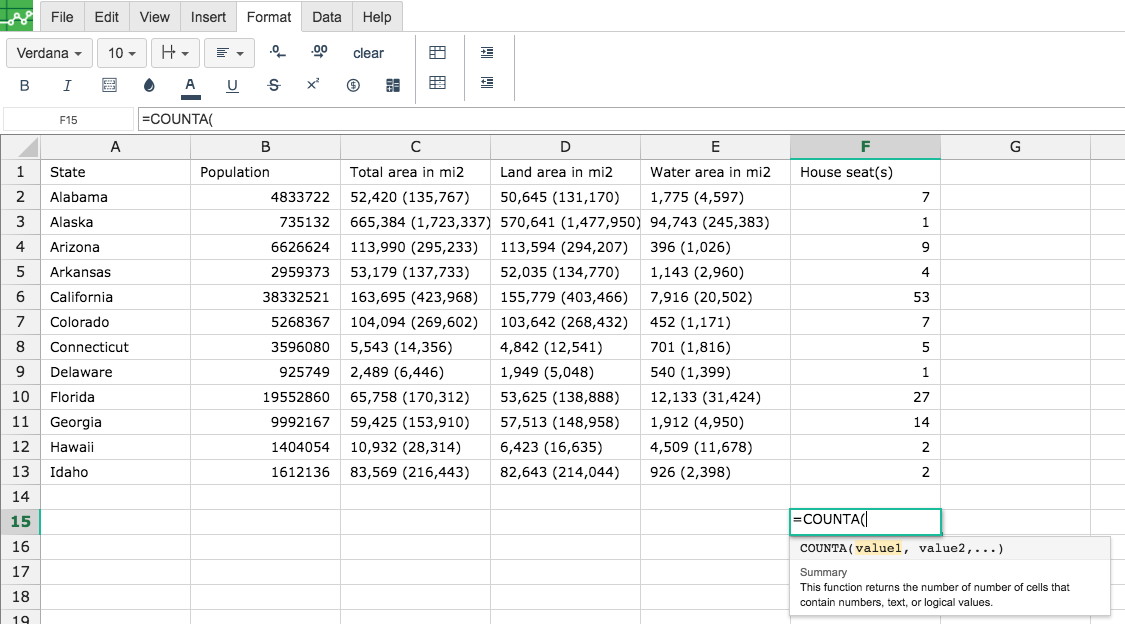
Then type in the COUNTA Formula in the area you would like to display the outcome:
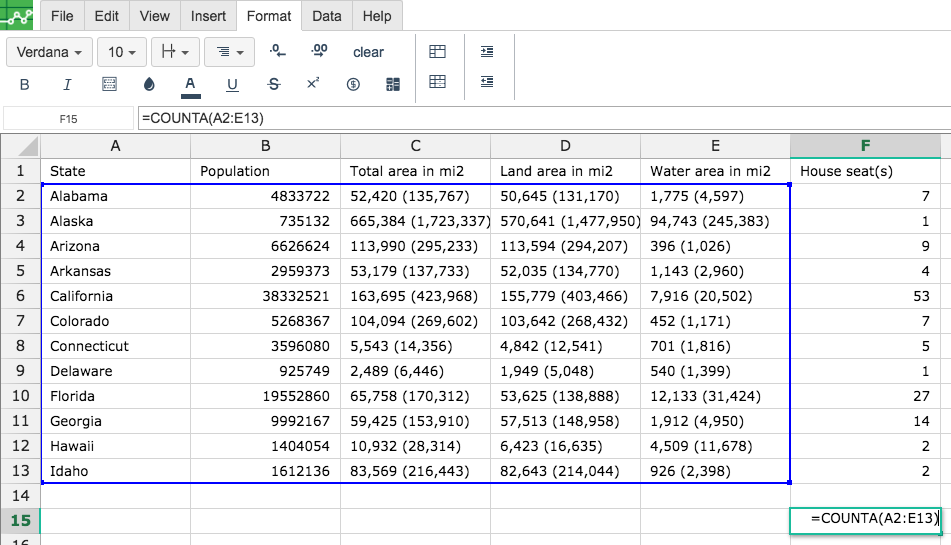
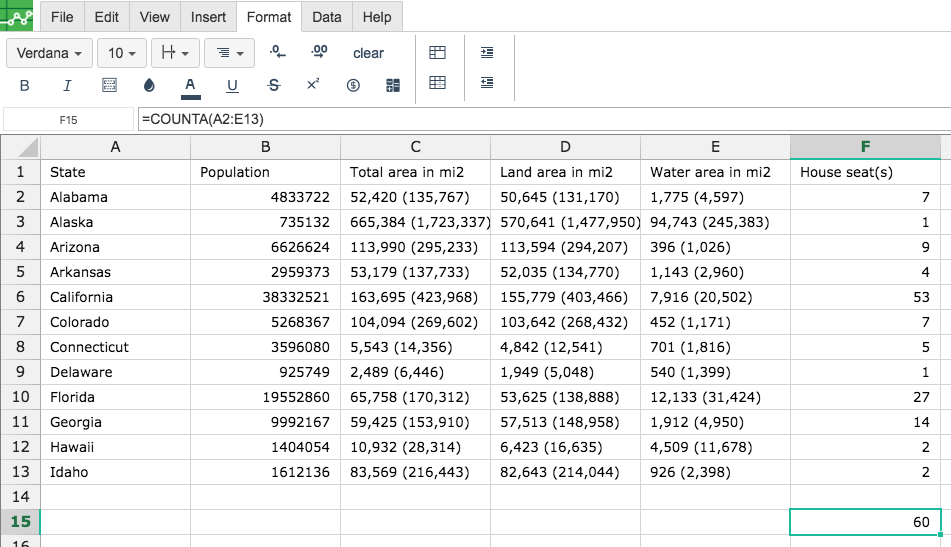
By adding the values you would like to calculate the COUNTA formula for, Excellentable will generate the outcome:
There were errors rendering macro:
- An unknown error occurred.