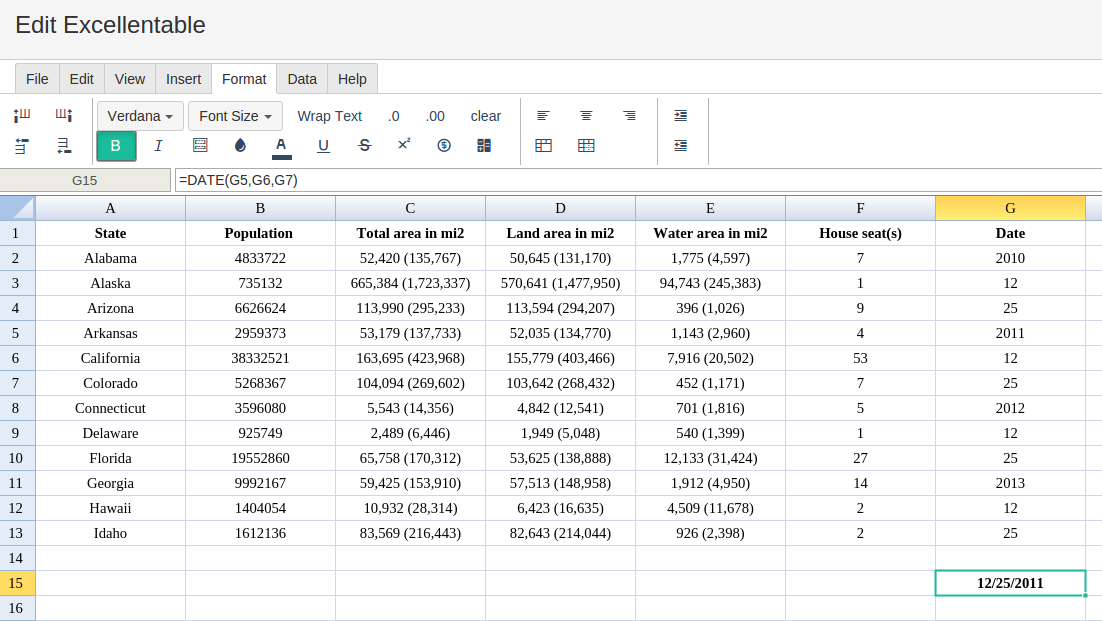
Definition of DATE
Converts a provided year, month, and day into a date.
Sample Usage
DATE(1969,7,20)
DATE(A2,B2,C2)
Syntax
DATE(year, month, day)
-
year- The year component of the date. -
month- The month component of the date. -
day- The day component of the date.
Notes
-
Inputs to
DATEmust be numbers - if a string or a reference to a cell containing a string is provided, the#VALUE!error will be returned. -
DATEwill silently recalculate numeric dates which fall outside of valid month or day ranges. For example,DATE(1969,13,1), which specifies the illegal month 13, will create a date of 1/1/1970. Similarly,DATE(1969,1,32), which specifies the non-existent 32nd day of January, will create a date of 2/1/1969. -
DATEwill silently truncate decimal values input into the function, e.g. a month of 12.75 will be interpreted as 12.
See Also
TO_DATE: Converts a provided number to a date.
TIME: Converts a provided hour, minute, and second into a time.
N: Returns the argument provided as a number.
DATEVALUE: Converts a provided date string in a known format to a date value.
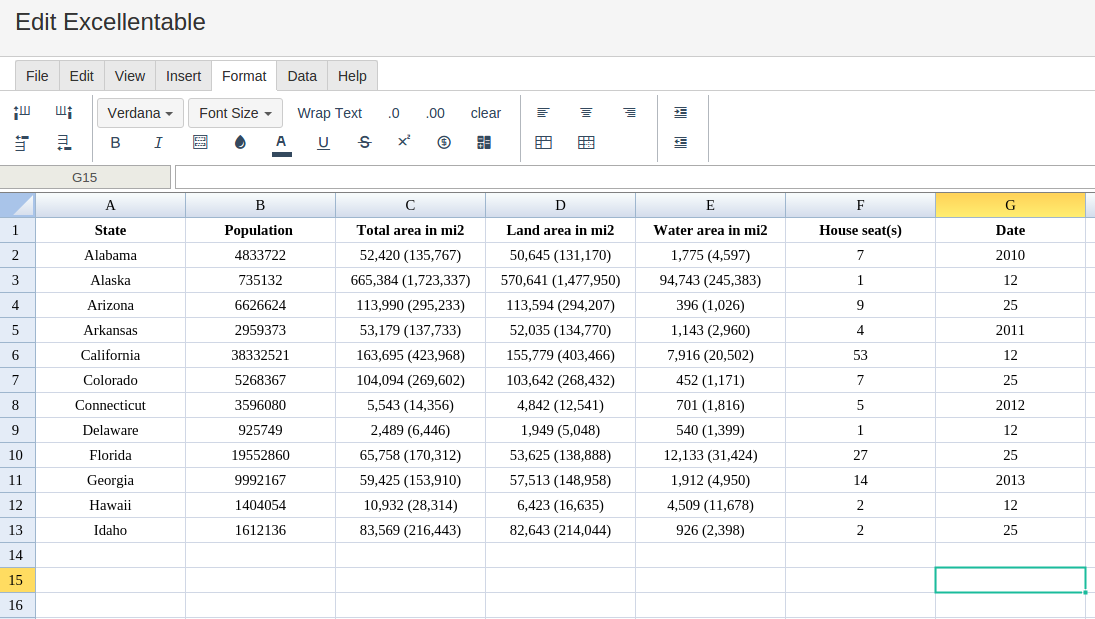
In order to use the DATE formula, start with your edited Excellentable:
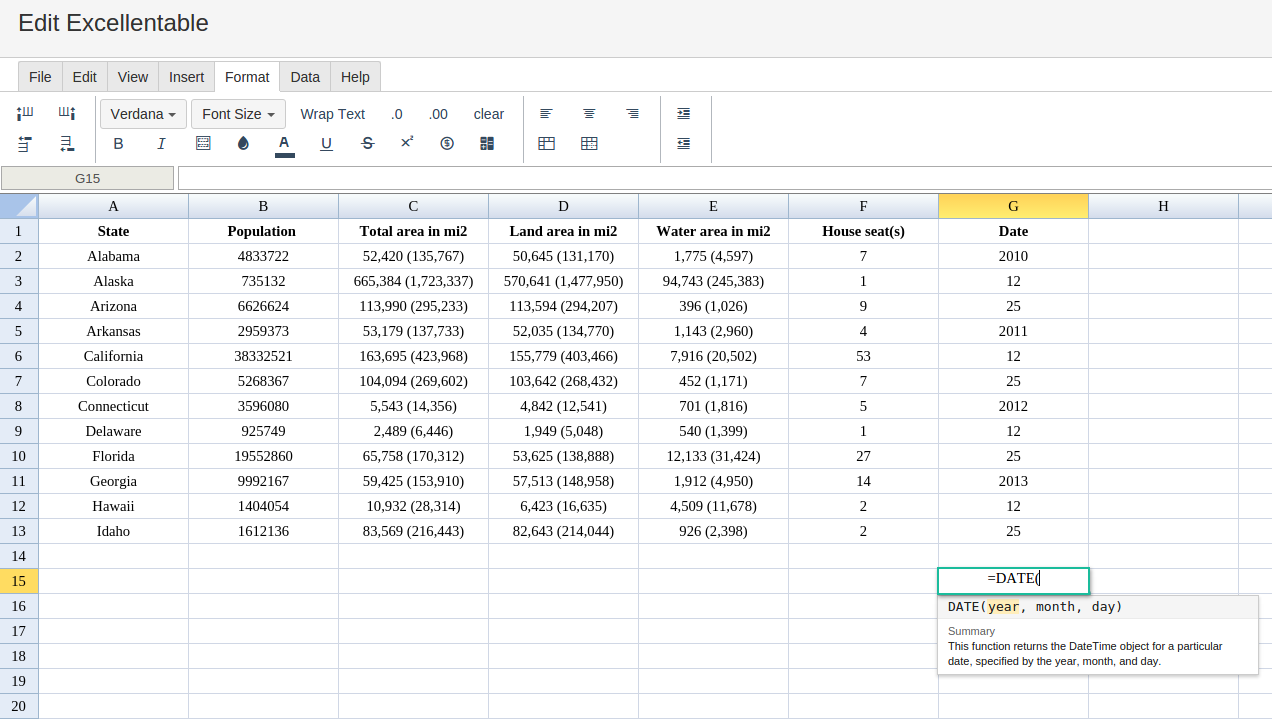
Then type in the DATE formula in the area you would like to display the outcome:
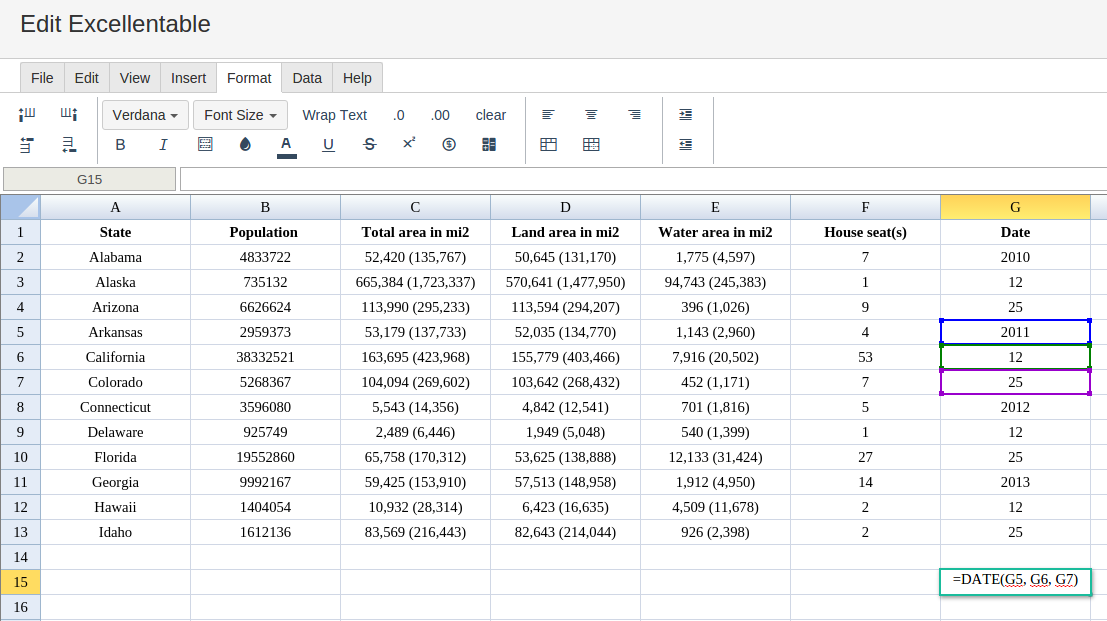
By adding the values you would like to calculate the DATE formula for, Excellentable will generate the outcome: