
Description
Returns the imaginary coefficient of a complex number in x + yi or x + yj text format.
Sample Usage
Syntax
IMAGINARY(inumber)
The IMAGINARY function syntax has the following arguments:
-
Inumber Required. A complex number for which you want the imaginary coefficient.
Remarks
-
Use COMPLEX to convert real and imaginary coefficients into a complex number.
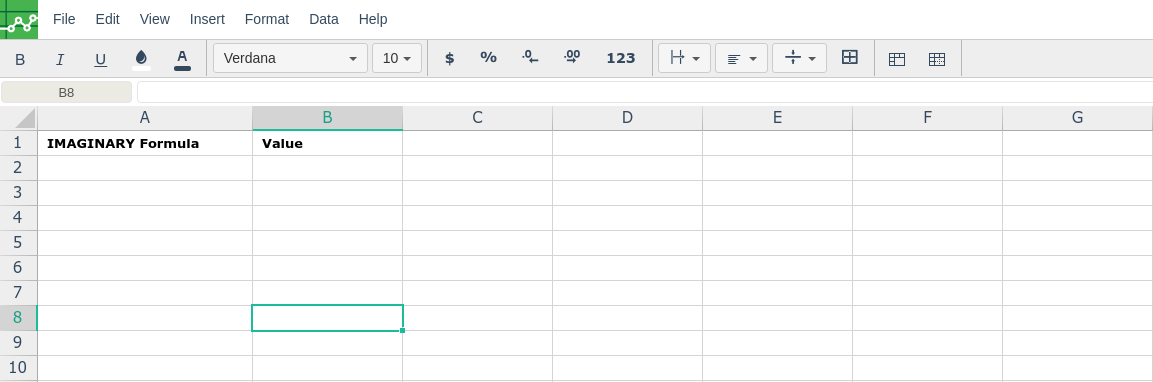
In order to use the IMAGINARY formula, start with your edited Excellentable
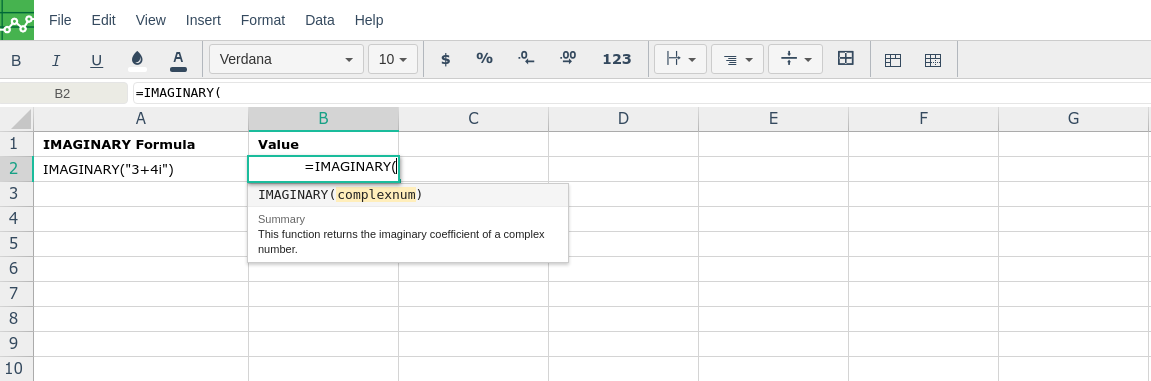
Then type in the IMAGINARY formula in the area you would like to display the outcome:
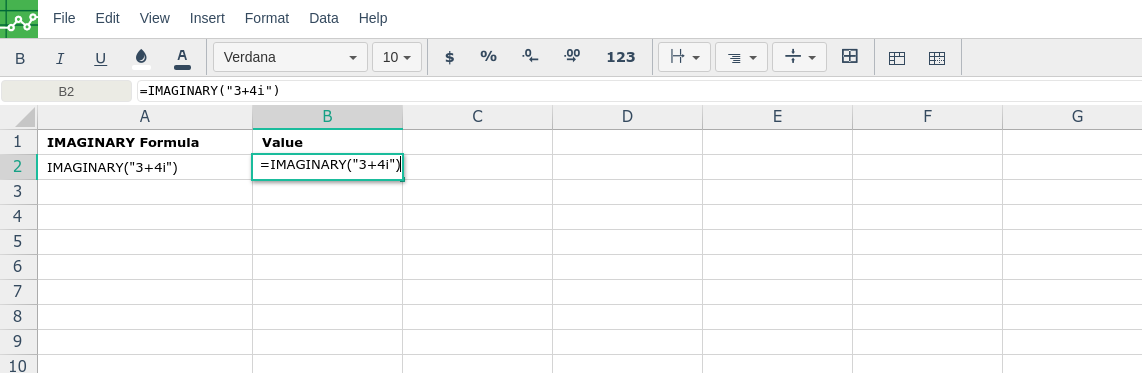
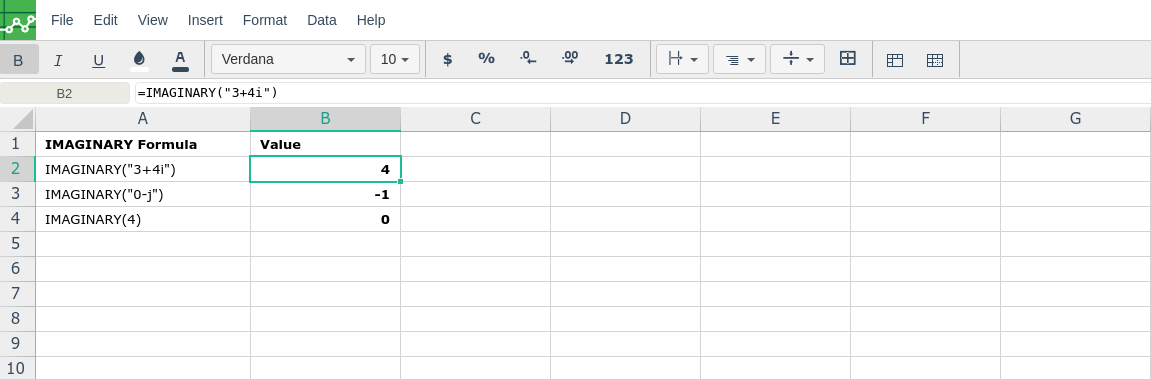
By adding the values you would like to calculate the IMAGINARY formula for, Excellentable will generate the outcome:
There were errors rendering macro:
- An unknown error occurred.