
Definition:
Returns the sum of two or more complex numbers in x + yi or x + yj text format.
Sample Usage
Syntax
IMSUM(inumber1, [inumber2], ...)
The IMSUM function syntax has the following arguments:
-
Inumber1, [inumber2], ... Inumber1 is required, subsequent numbers are not. 1 to 255 complex numbers to add.
Notes
-
Use COMPLEX to convert real and imaginary coefficients into a complex number.
-
The sum of two complex numbers is:

See also
-
COMPLEX: Creates a complex number, given real and imaginary coefficients. -
IMREAL: Returns the real coefficient of a complex number. -
IMAGINARY: Returns the imaginary coefficient of a complex number. -
IMSUB: Returns the difference between two complex numbers. -
IMPRODUCT: Returns the result of multiplying a series of complex numbers together.
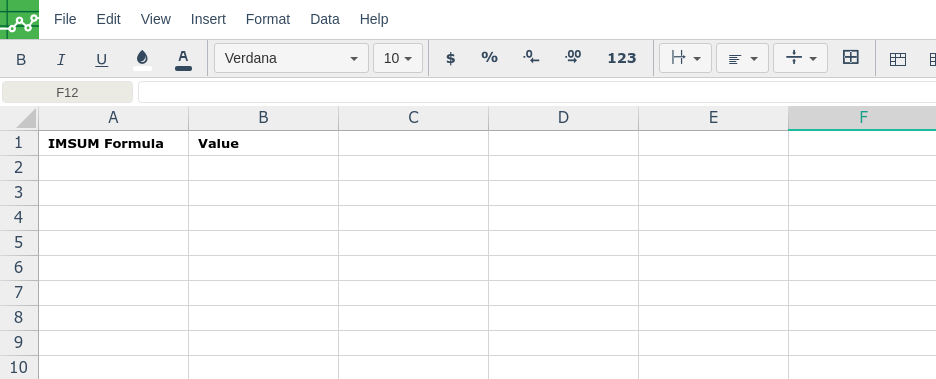
In order to use the IMSUM formula, start with your edited Excellentable
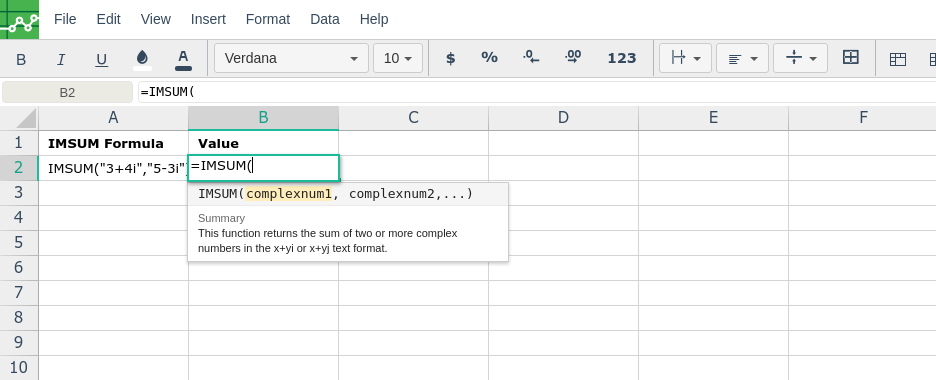
Then type in the IMSUM formula in the area you would like to display the outcome:
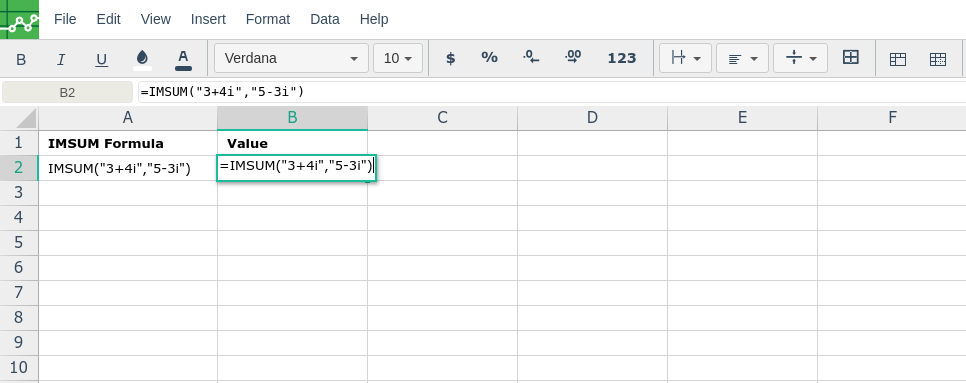
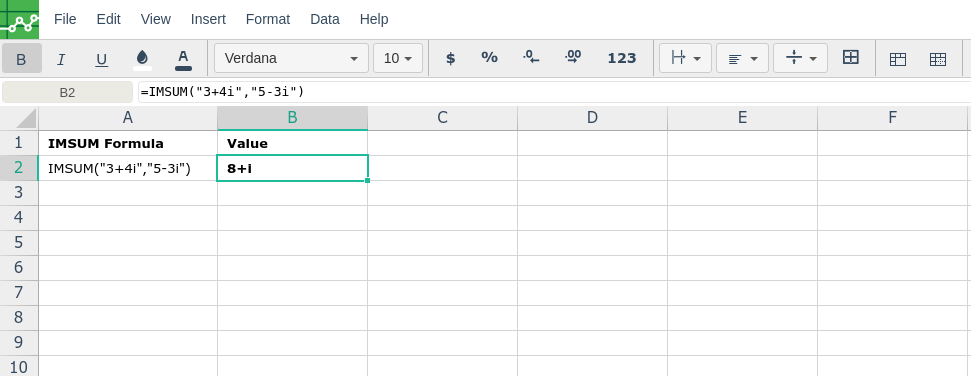
By adding the values you would like to calculate the IMSUM formula for, Excellentable will generate the outcome:
There were errors rendering macro:
- An unknown error occurred.