
Definition of LOG:
Returns the the logarithm of a number given a base.
Sample Usage
LOG(128,2)
LOG(A2,3)
Syntax
LOG(value, base)
-
value- The value for which to calculate the logarithm givenbase.-
valuemust be positive.
-
-
base- The base to use for calculation of the logarithm.
Notes
Excellentable does not support complex or imaginary values.
See Also
SQRTPI: Returns the positive square root of the product of Pi and the given positive number.
SQRT: Returns the positive square root of a positive number.
POWER: Returns a number raised to a power.
LOG10: Returns the the logarithm of a number, base 10.
LN: Returns the the logarithm of a number, base e (Euler's number).
GAMMALN: Returns the the logarithm of a specified Gamma function, base e (Euler's number).
EXP: Returns Euler's number, e (~2.718) raised to a power.
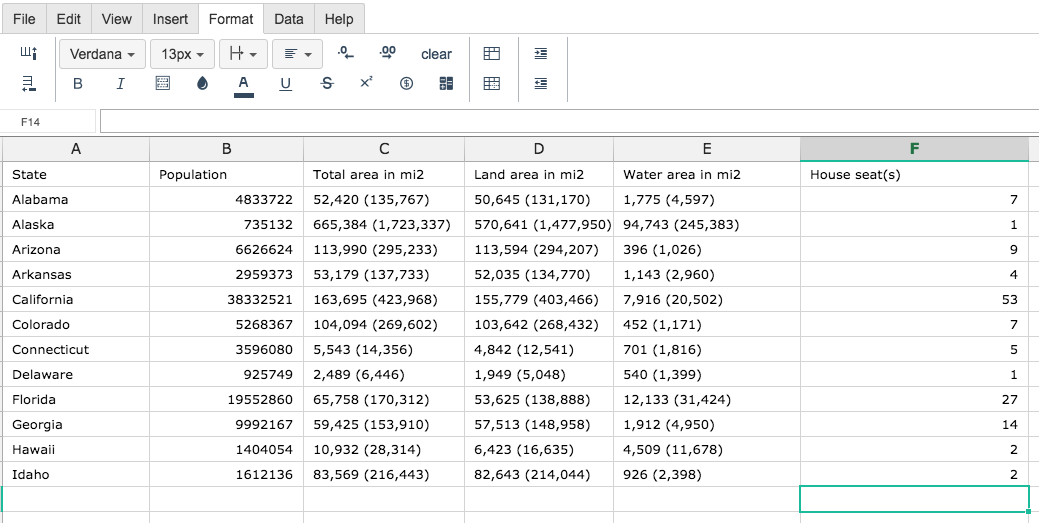
Step 1. To use the LOG Formula, start with the Excellentable you would like to edit.
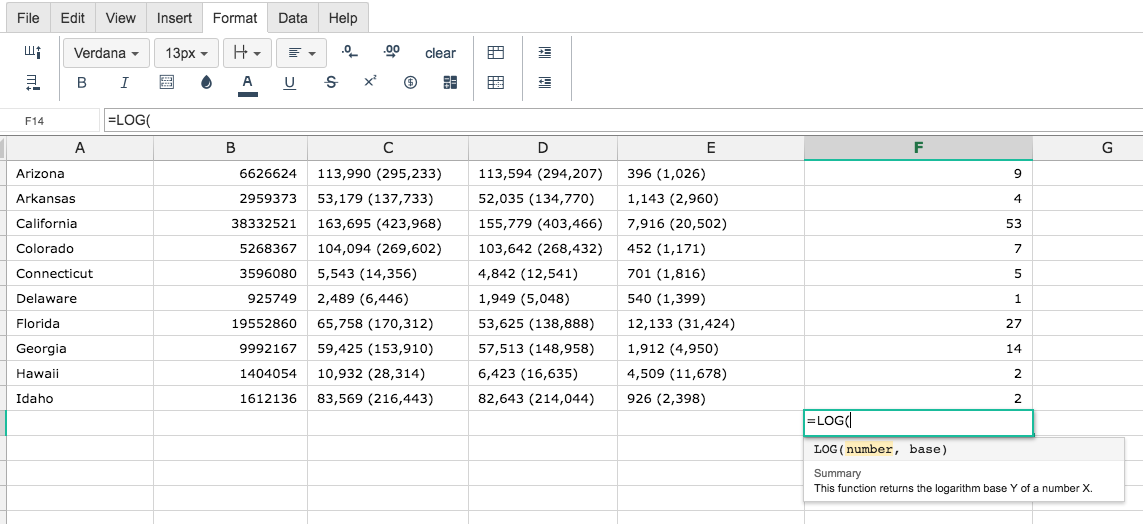
Step 2. Then type the LOG formula into the cell you have chosen to display the outcome:
Step 3. Fill in the 2 values
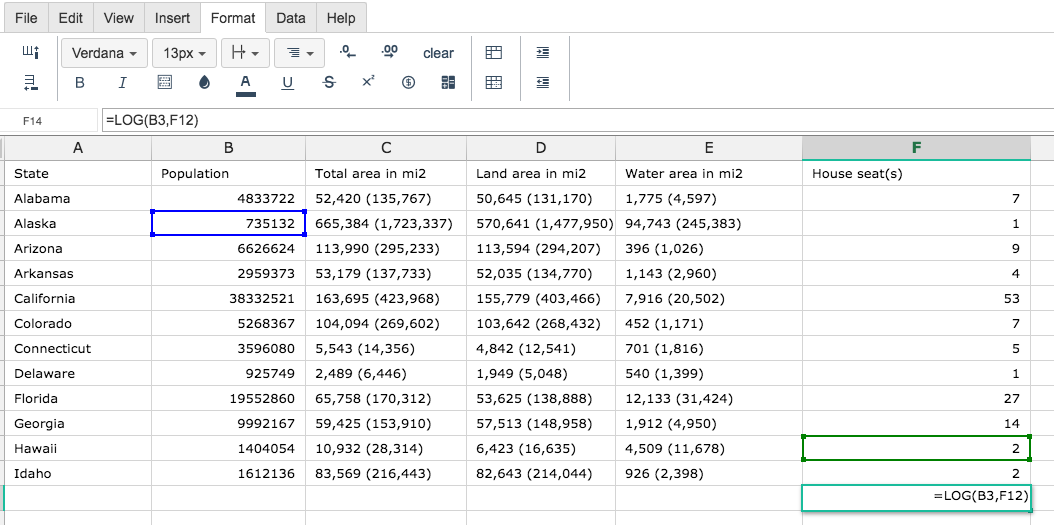
By adding the values you would like to calculate, Excellentable generates the outcome:
There were errors rendering macro:
- An unknown error occurred.