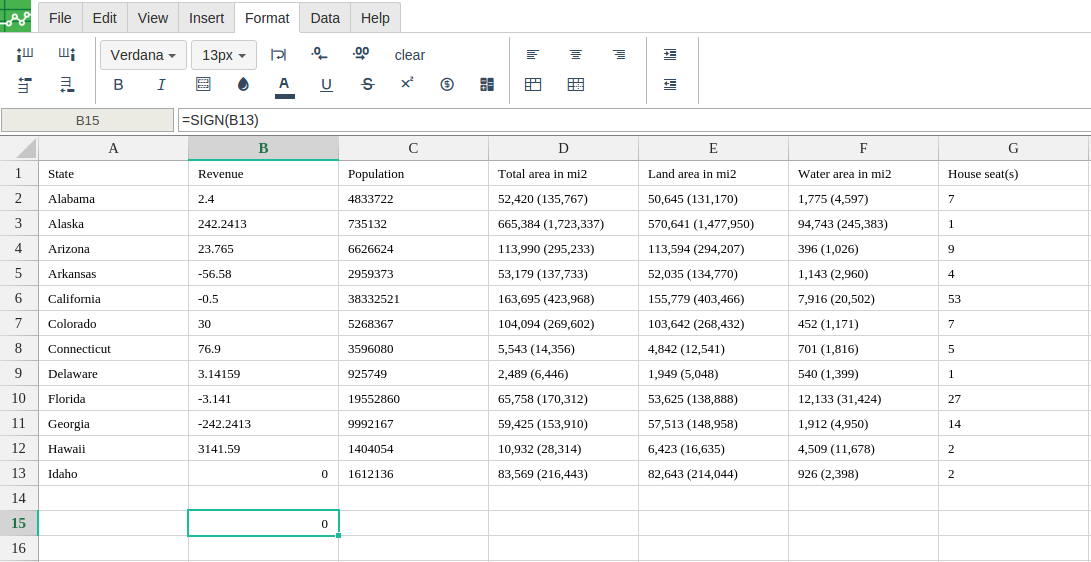
Definition:
returns the sign (+1, -1 or 0) of a provided cellreference
Syntax:
-
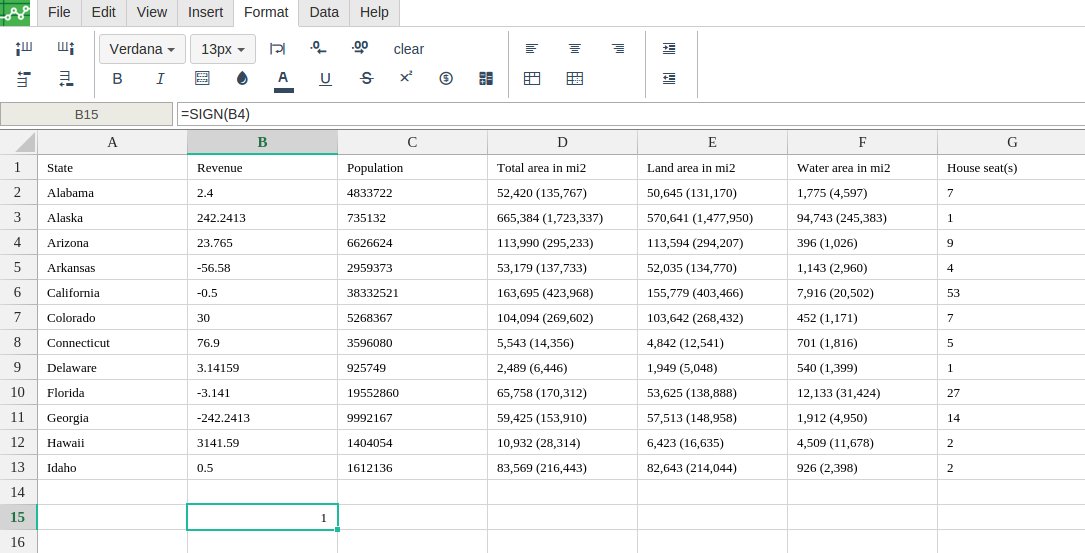
if the cellreference is positive, the function returns +1,
-
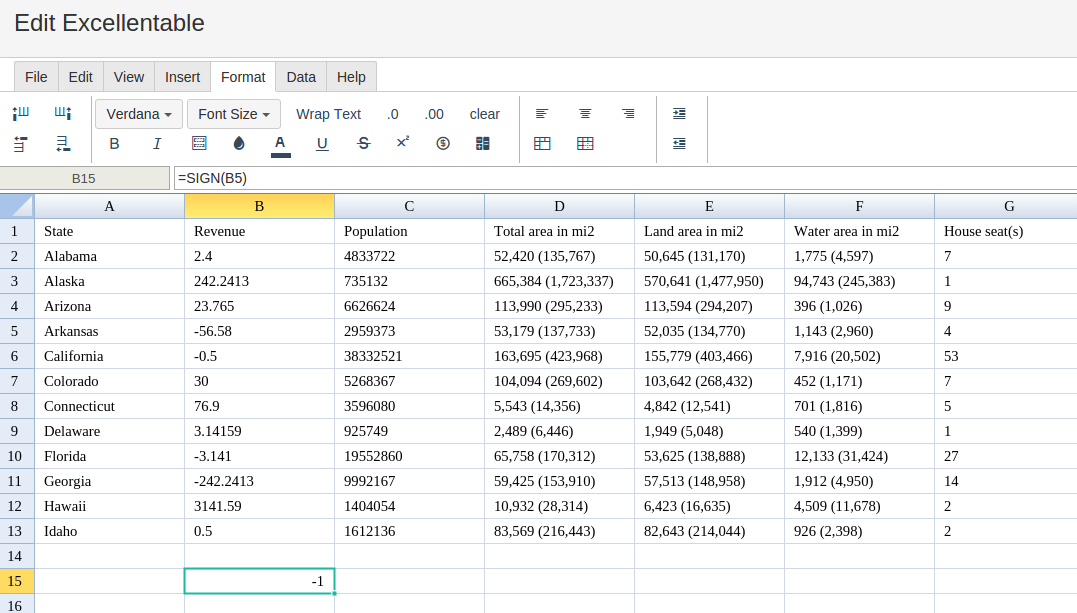
if the cellreference is negative, the function returns -1
-
if the cellreference is 0 (zero), the function returns 0.
Step 1 : In order to use the SIGN formula, start with your edited Excellentable
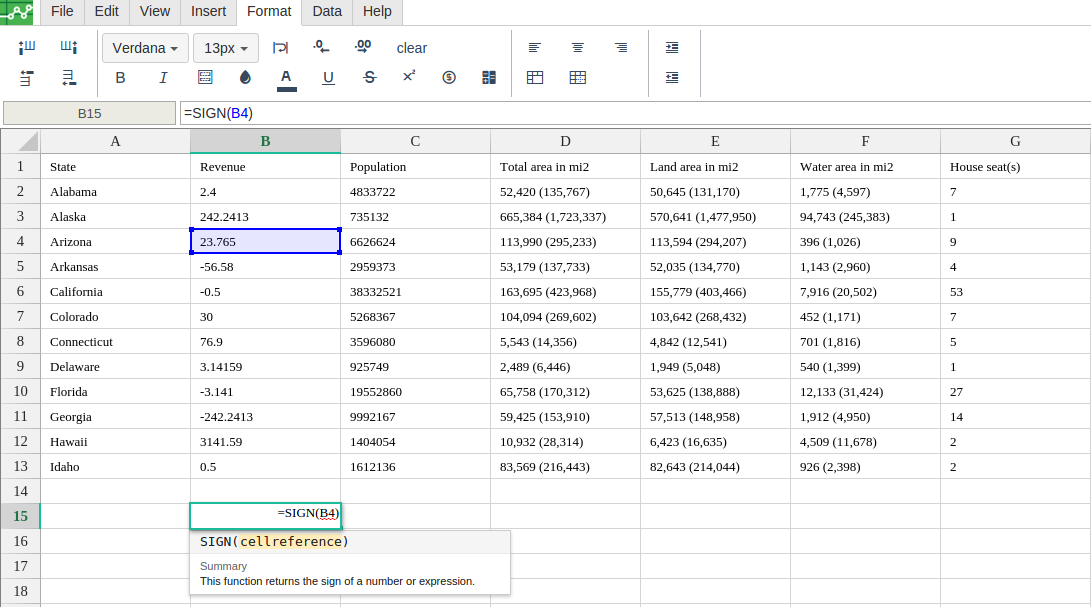
Step 2 : Then type in the SIGN Formula in the area you would like to display the outcome:
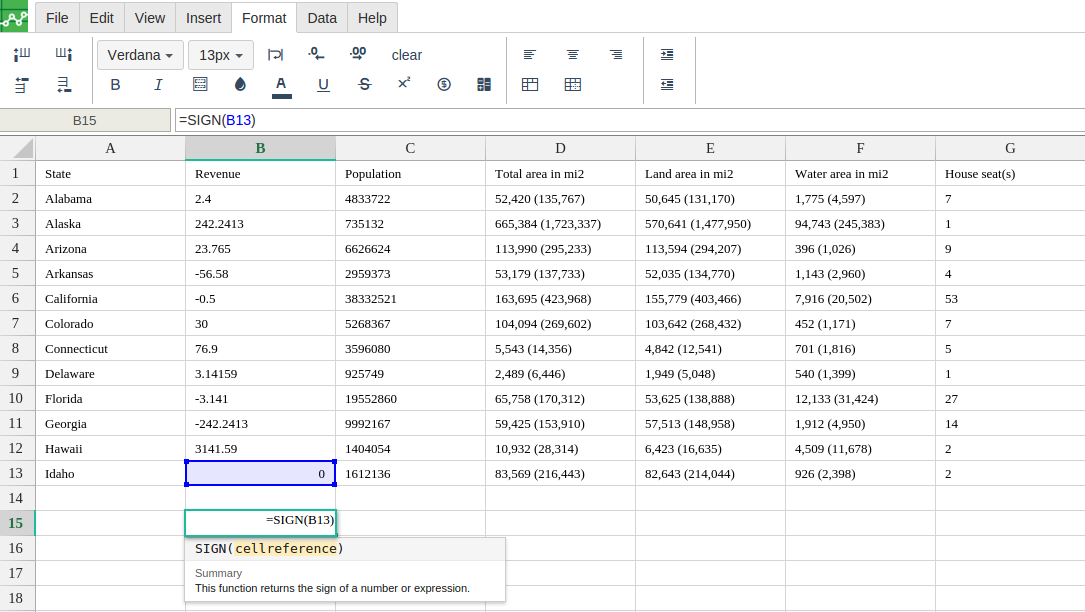
Step 3 : Type in the complete SIGN formula for a cell as shown below:
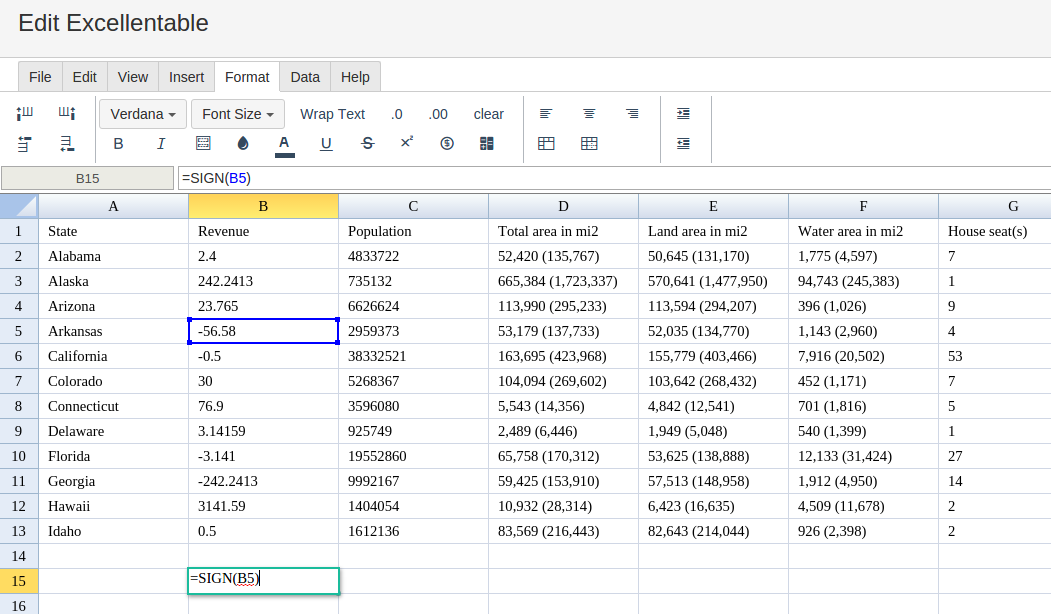
Step 4 : Excellentable will generate the outcome when hitting enter.
There were errors rendering macro:
- An unknown error occurred.
Other possible outcomes for the SIGN Formula:
-
If the cellreference is positive
-
If the cellreference is zero