-
Open the Excellentable in edit mode and go to "Format" Tab

-
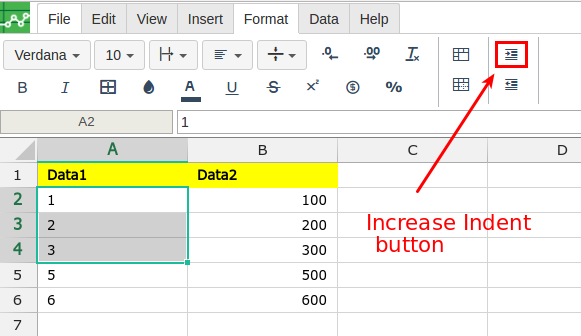
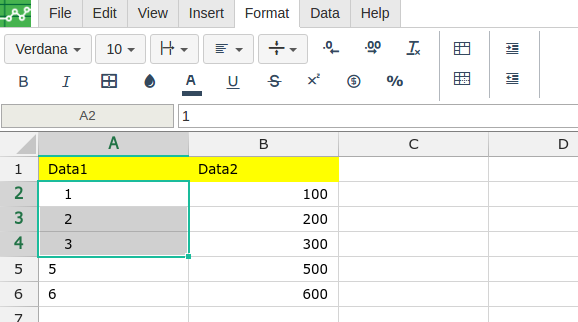
Select the cell/cells to increase the indent and click on increase indent button
-
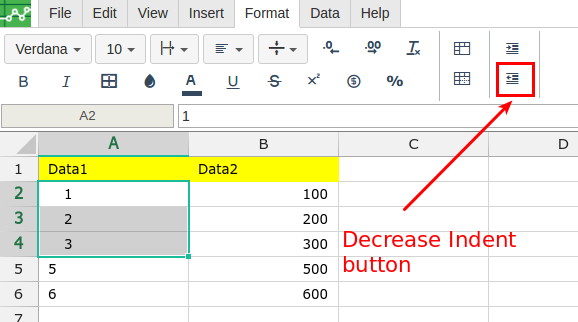
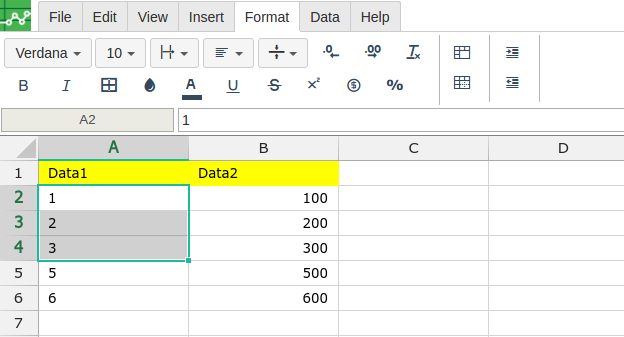
Select the cell/cells to decrease the indent and click on decrease indent button

Open the Excellentable in edit mode and go to "Format" Tab
Select the cell/cells to increase the indent and click on increase indent button
Select the cell/cells to decrease the indent and click on decrease indent button