
While Importing CSV files you may receive and error similar to the below image
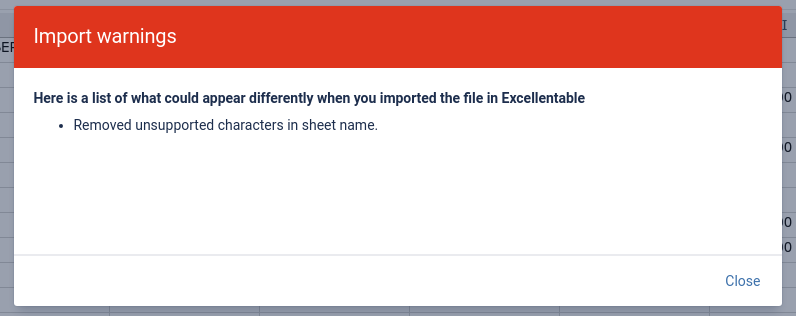
This occurs because Excellentable converts the .csv file name into the imported sheet name and the csv file name may contain some characters that are not supported as a sheet name. Below is more information on what is supported as a sheet name
Excellentable sheet names generally support any standard alphanumeric character and most symbols, but they must not exceed 31 characters. Additionally, you cannot use specific special characters or restricted words in your worksheet names.
Restricted Characters
Excellentable follows the same naming restrictions as Microsoft Excel. You cannot use the following 9 characters:
-
Backslash (
\) -
Forward slash (
/) -
Question mark (
?) -
Asterisk (
*) -
Colon (
:) -
Opening square bracket (
[) -
Closing square bracket (
]) -
Double quotes (
") -
Single quote (
') — Cannot be used at the very beginning or very end of a sheet name.
Restricted Words & Conflicts
-
Blank: Sheet names cannot be empty (blank).
-
Duplicates: You cannot give multiple sheets the same name in the same workbook.
-
"History": Avoid using this word, as it is internally reserved by Excel
Formula Referencing
If your sheet name includes spaces or other special characters (like underscores), you must wrap the sheet name in single quotes whenever referencing it in a SpreadJS formula (e.g., 'My Sheet'!A1 or 'Sales Data_2026'!B5).