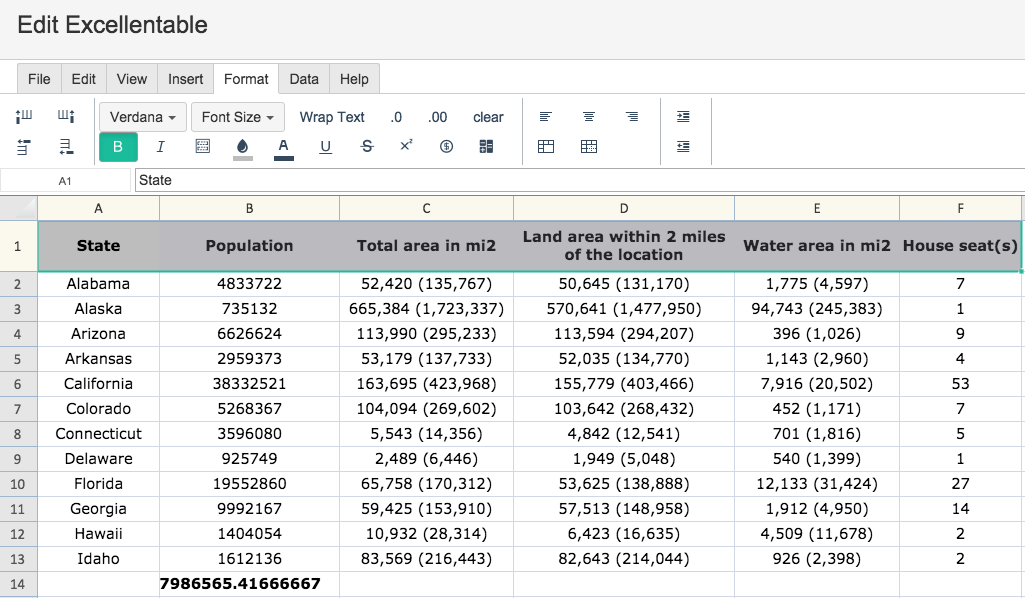
Changing background and text colors follow the same steps below!
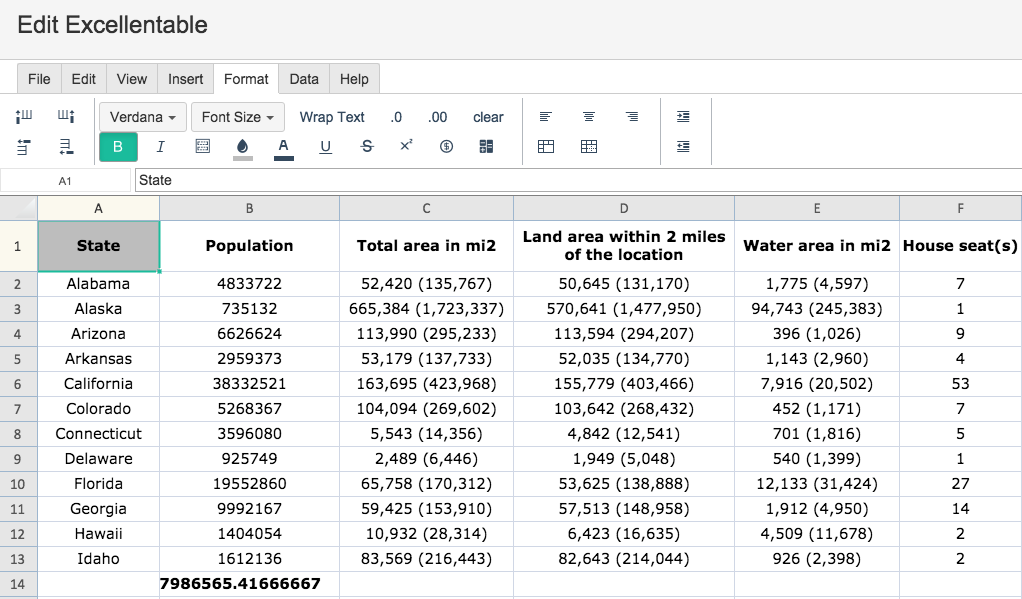
Changing the background and text coloring can be done using the fill and text color buttons:
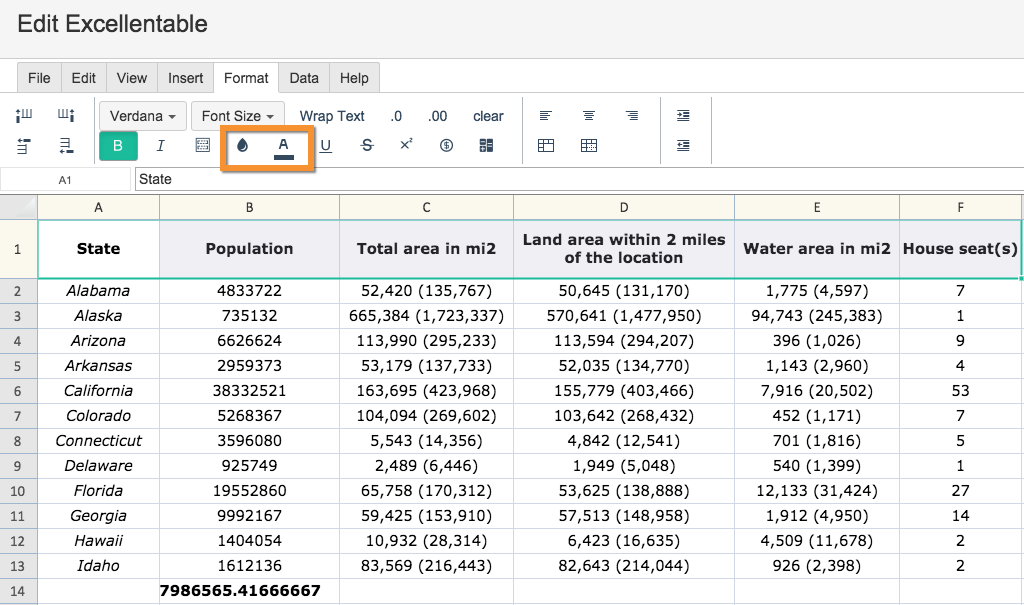
To change a cell's background color, simply click the cell and click background color button:
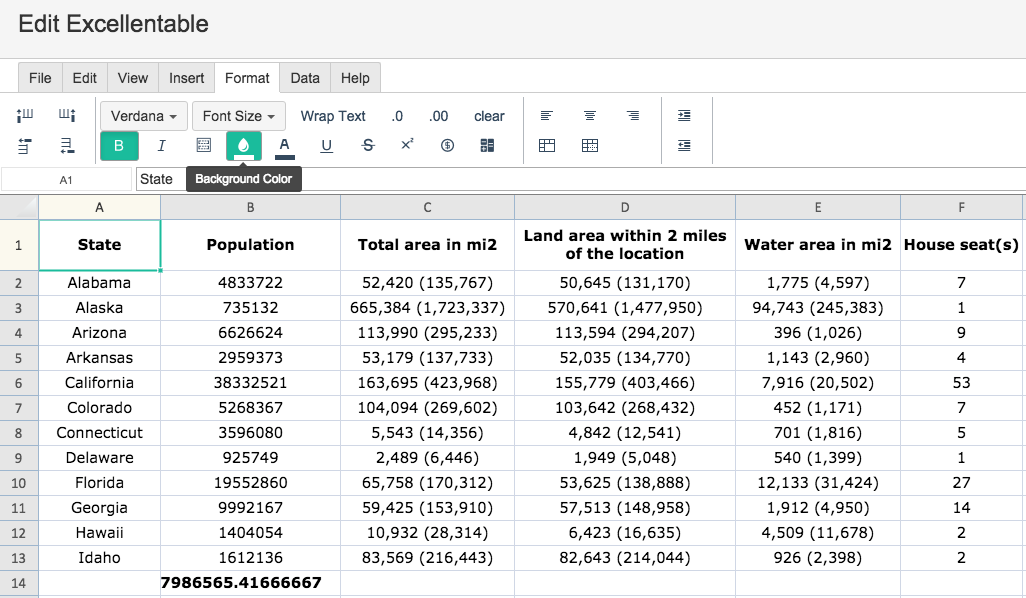
When you click on the background color button, a color selection window pops up:
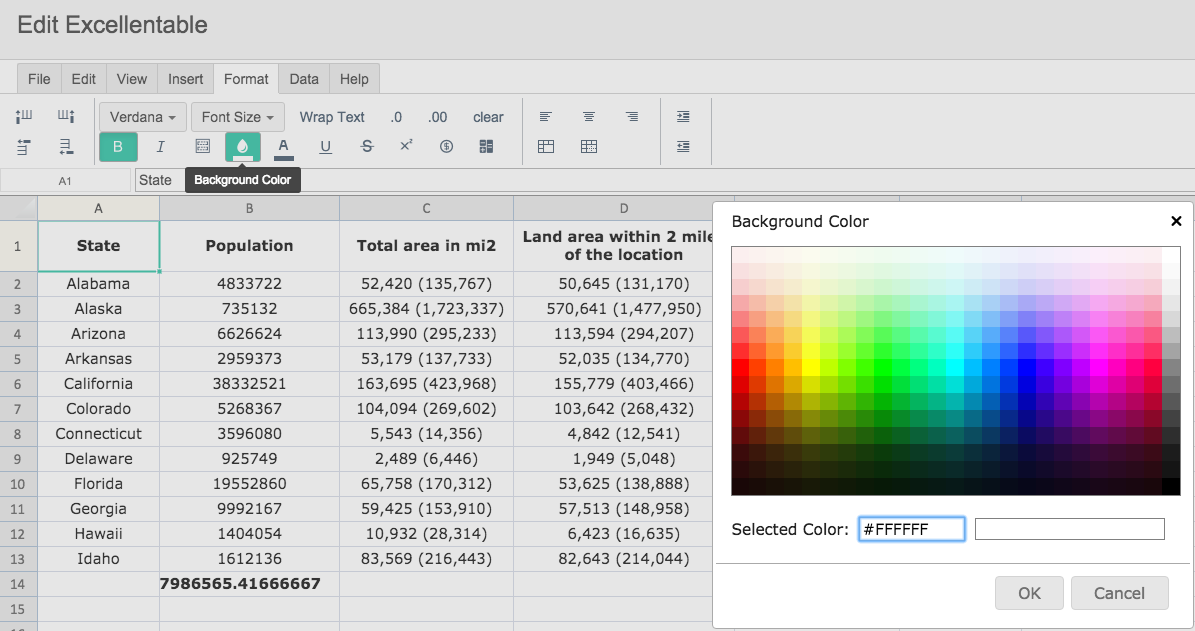
Select a color and the background color changes:
The same process goes to change a rows's background color: