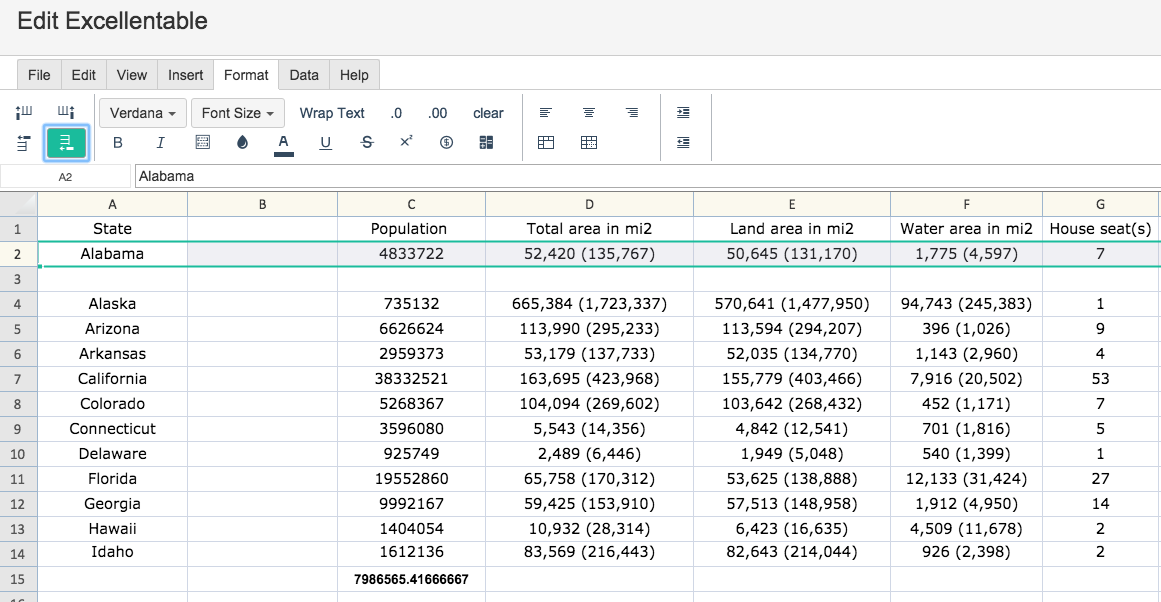
To insert a row or column above, below, left or right of a selected area:
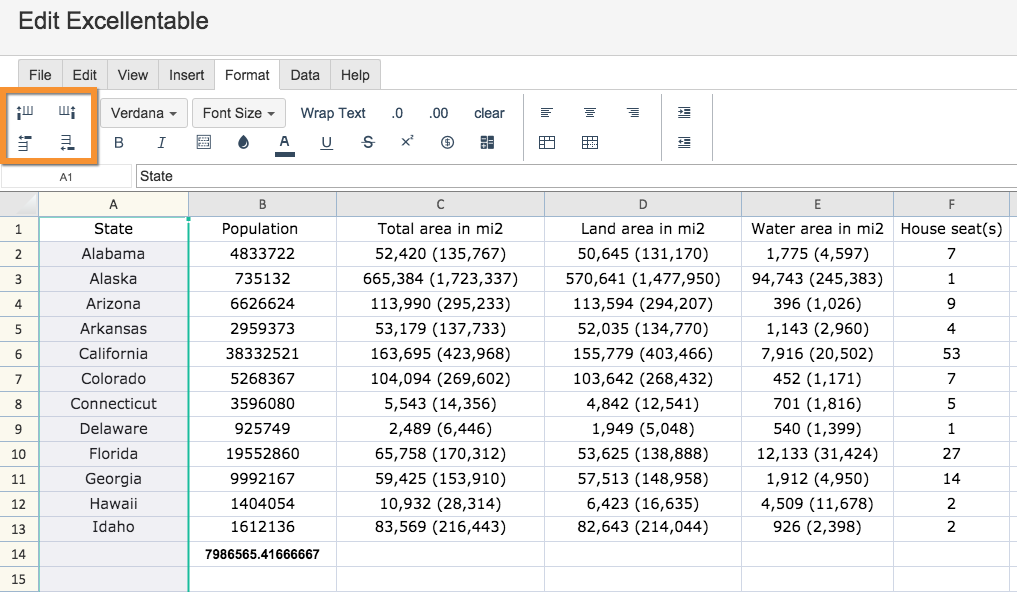
There are options to the left to insert a column to the left or right of a selected area and to insert a row above or below a selected area.
Examples:
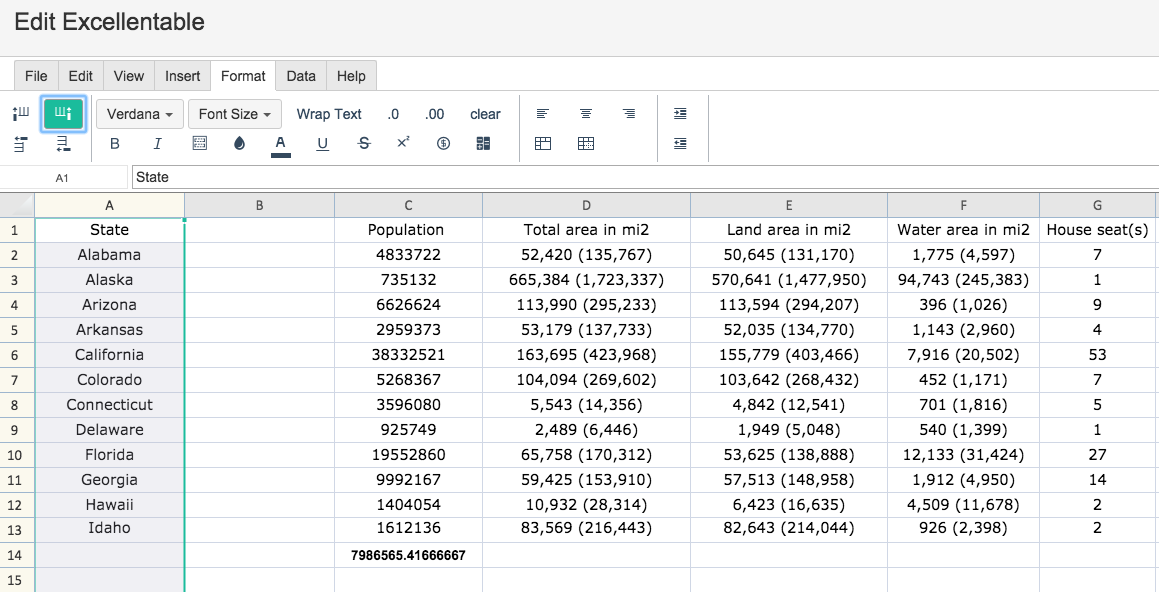
Insert column to the right
Insert Row below: