To change a value to percentage in Excellentable, simply use the PERCENTAGE button:
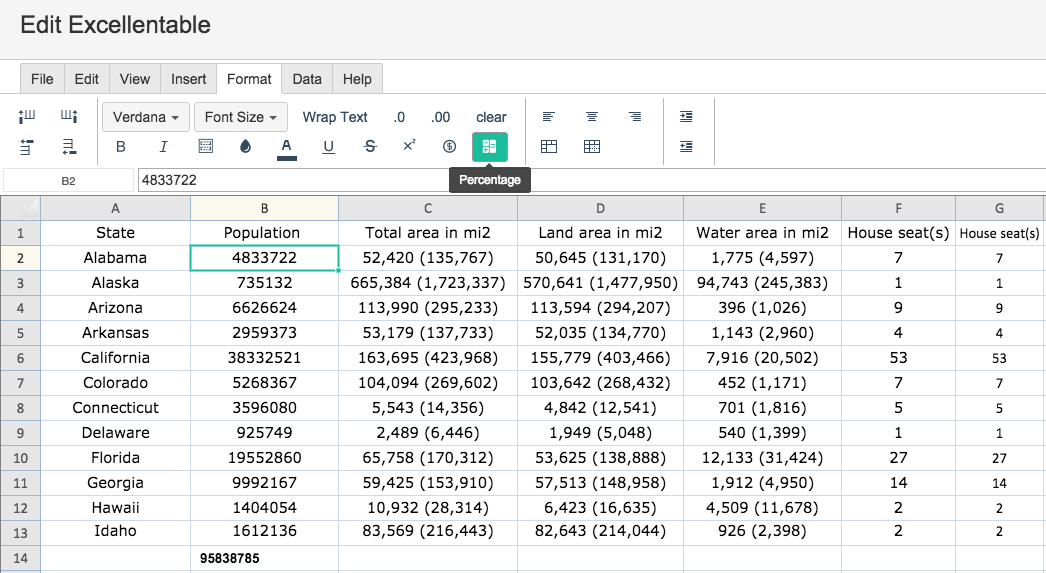
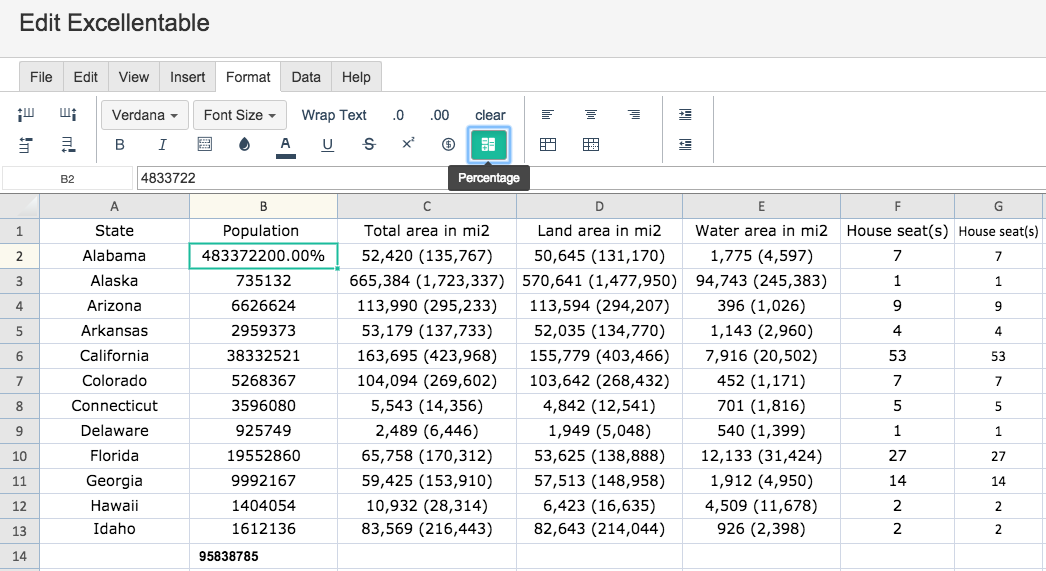
To change a single cell's value, select that cell and click the PERCENTAGE button:
You can see that the selected cell is now in percentage format.
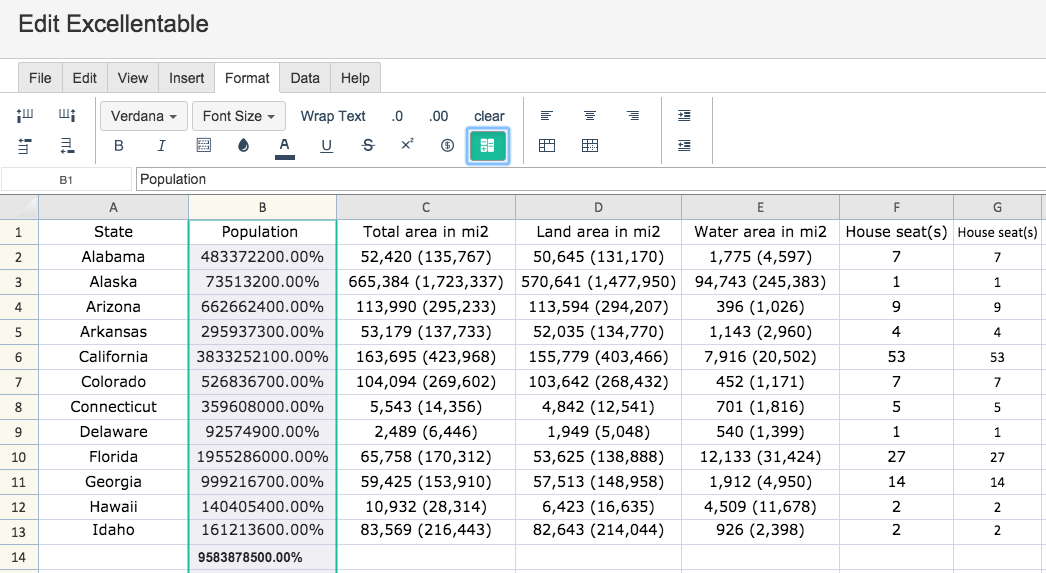
To change an entire row or column's value, select that row or column and click the PERCENTAGE button:
You can see that the numbers in the entire selected column are now in percentage format.