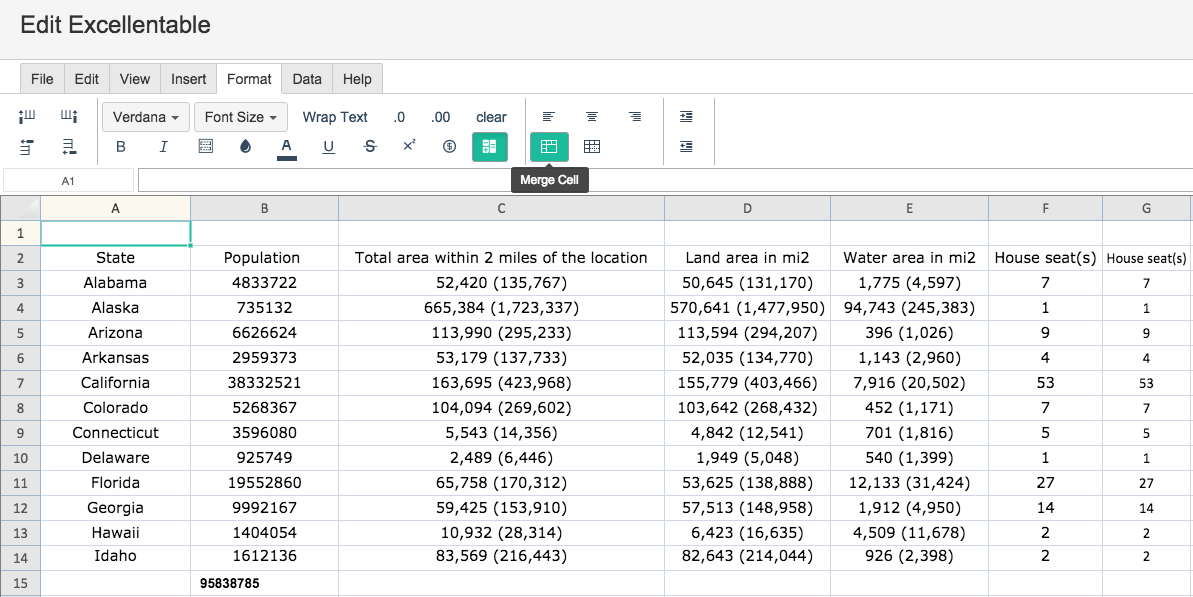
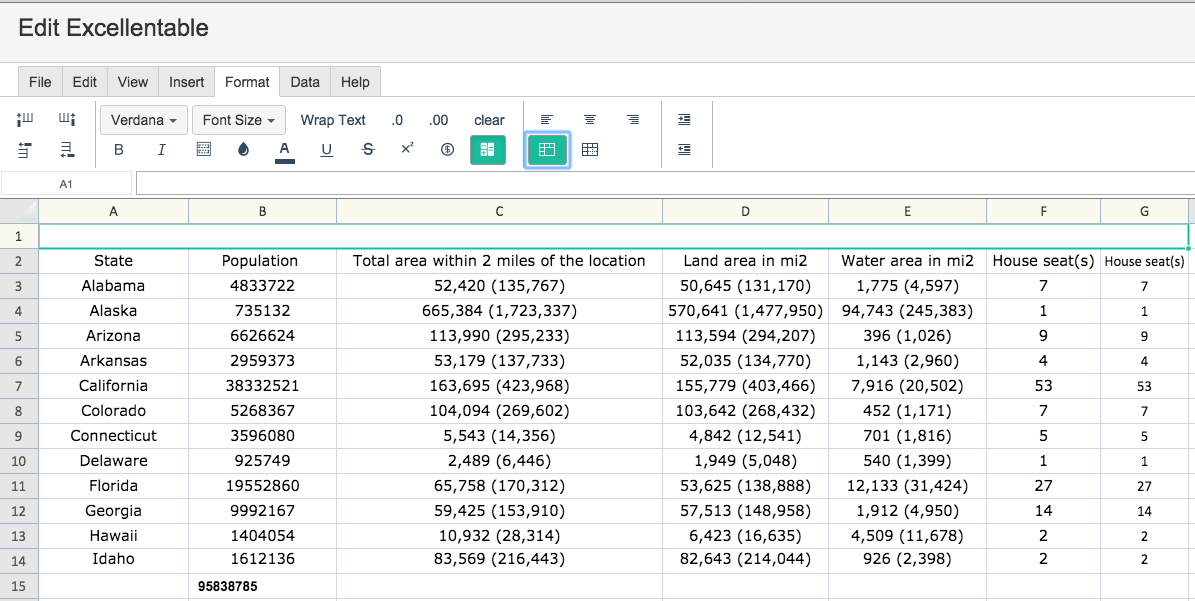
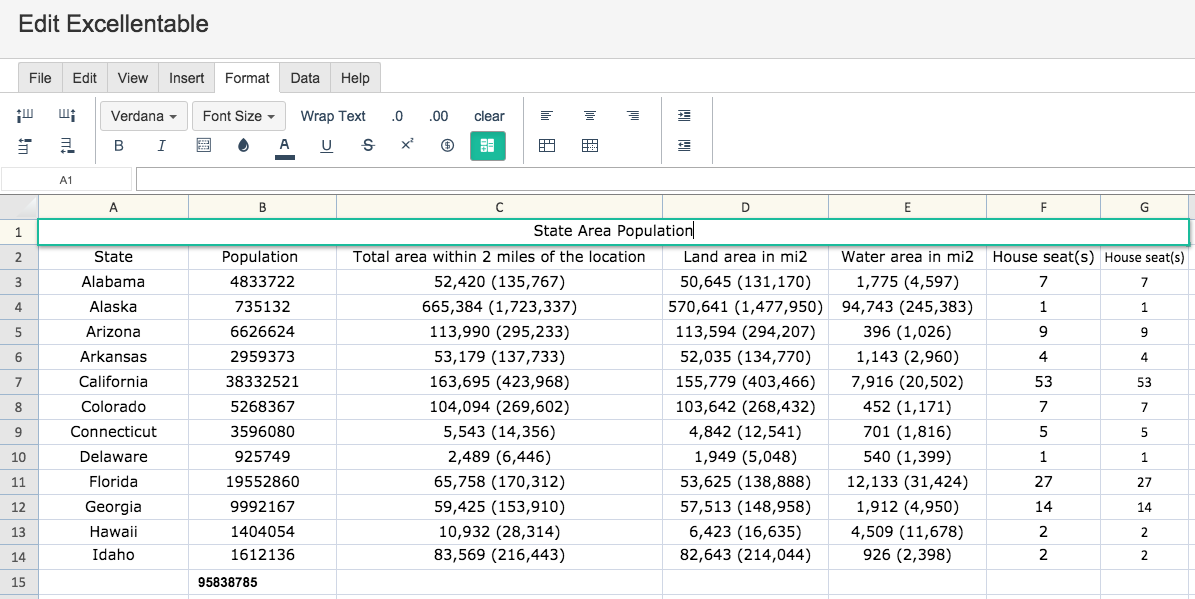
Merge Cell When you need to merge a cell in Excellentable, simply use the MERGE CELL button: You want to make a heading and have it spread across the whole spreadsheet. Simply merge the cells so that they become one cell!