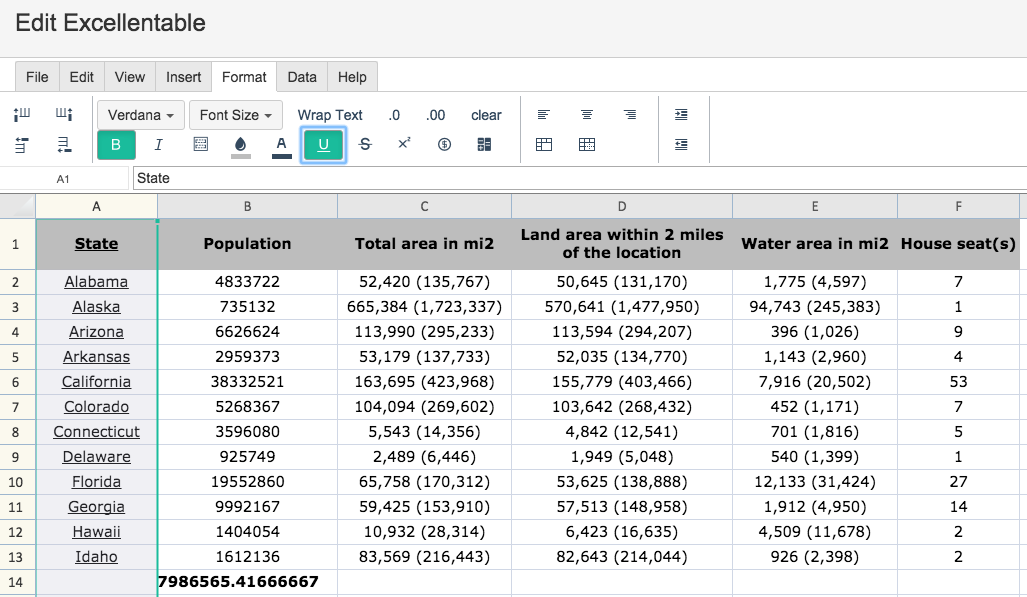
To Underline text in Excellentable, simply use the UNDERLINE Button:
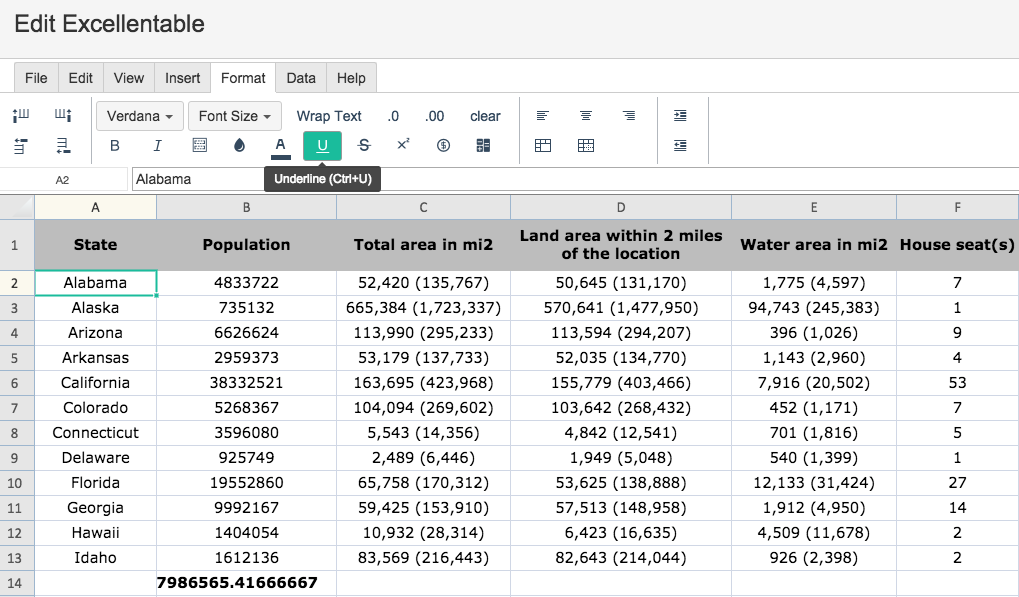
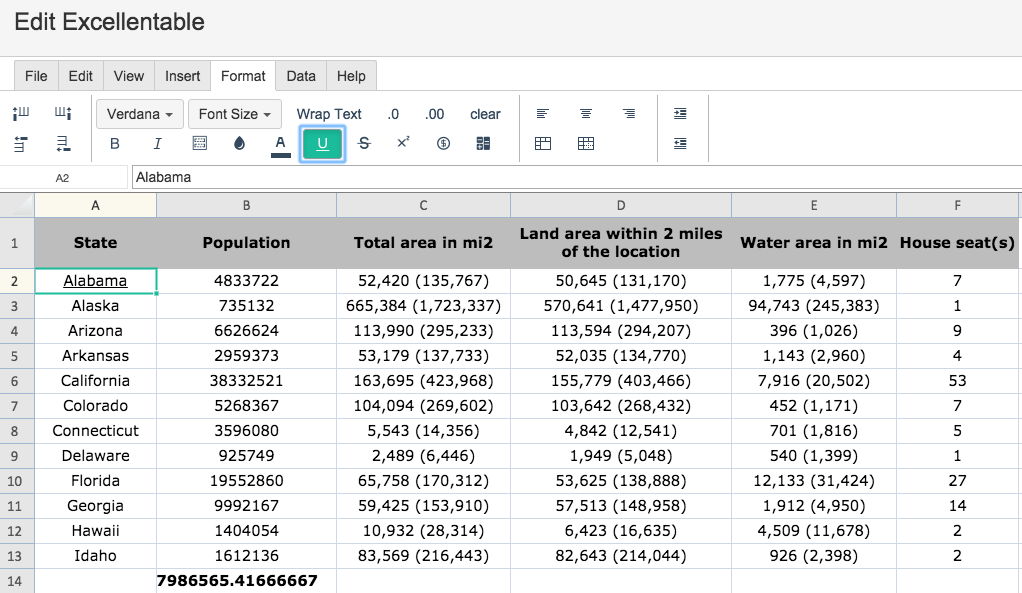
To Underline text in one cell, simply select the cell in which you want to underline and press the UNDERLINE button:
To Underline text in a column or row, simply select the column or row in which you want to underline and press the UNDERLINE button: