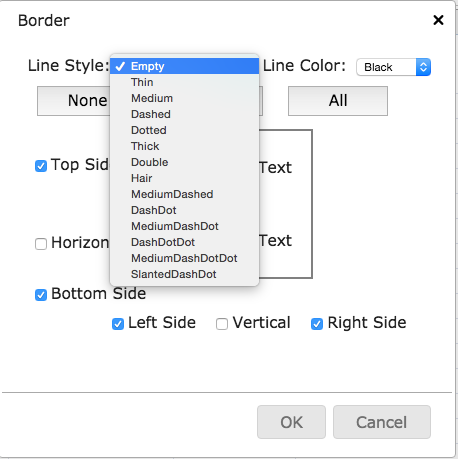
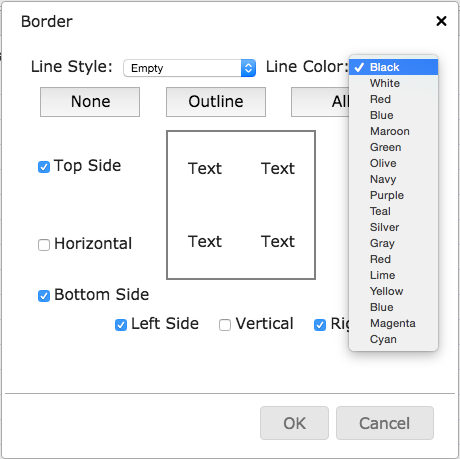
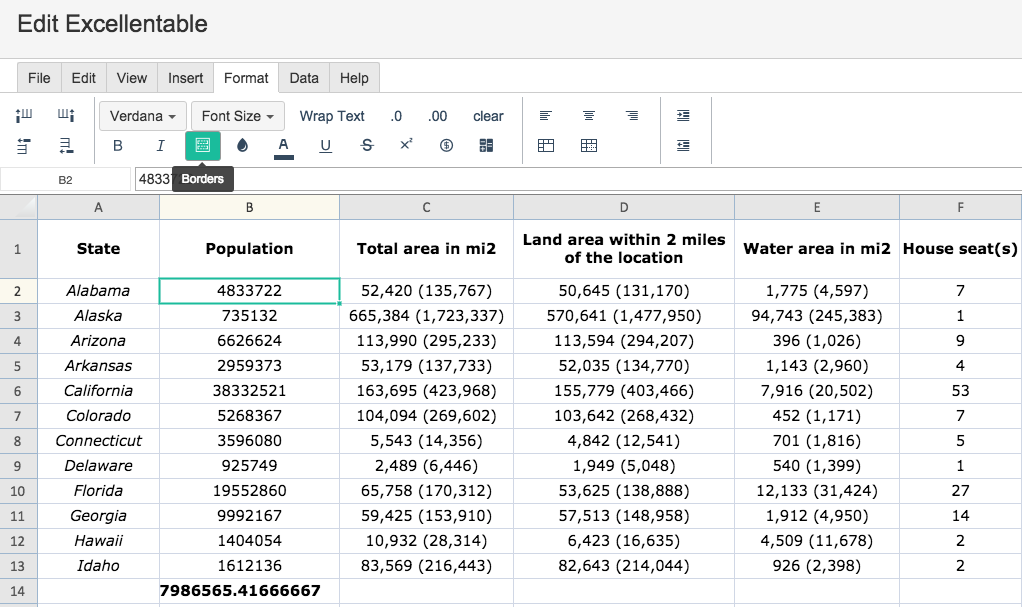
To apply Borders in Excellentable, use the Borders button, this will open an editing box:
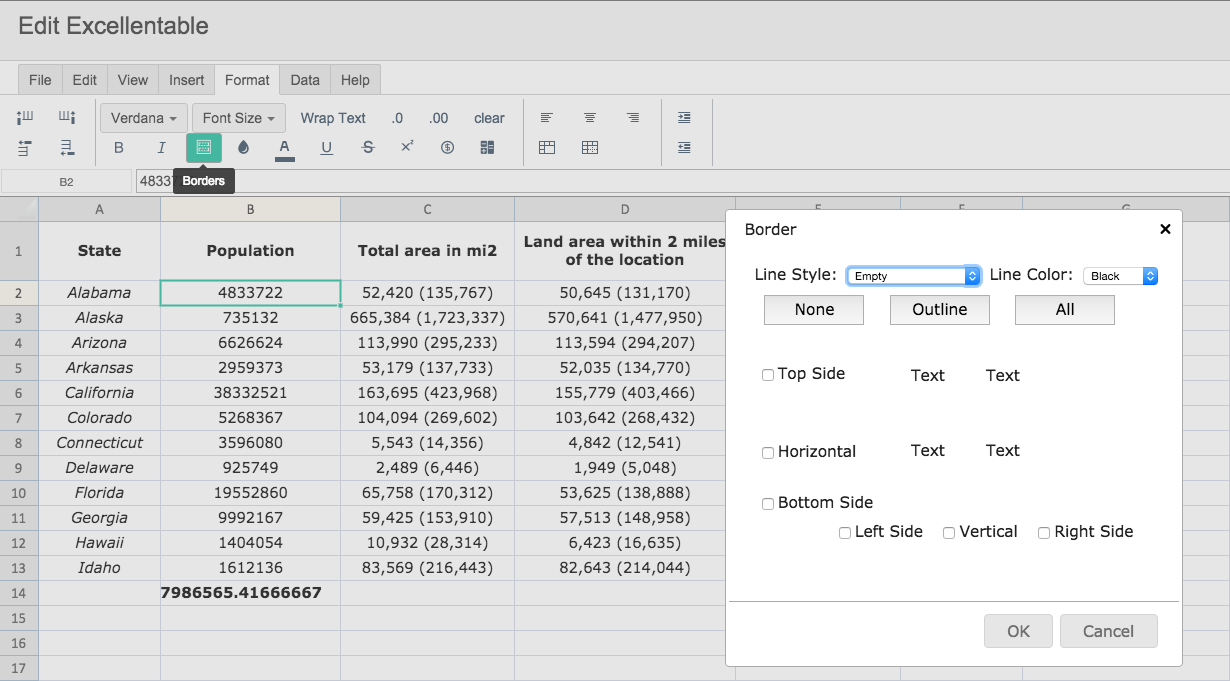
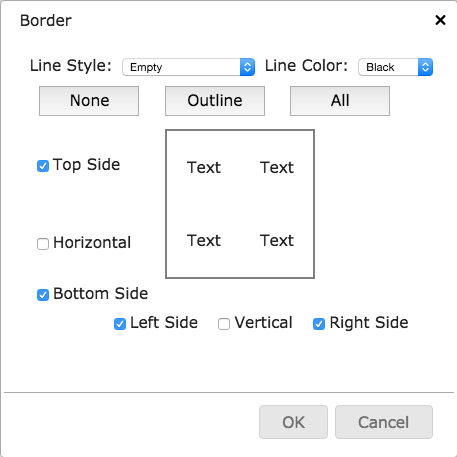
In the Border Edit Box, you are able to choose the border options you would like.
When you begin to build your border, you will see an example generated to the right.
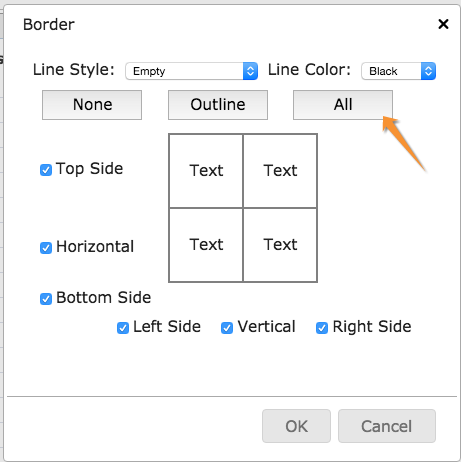
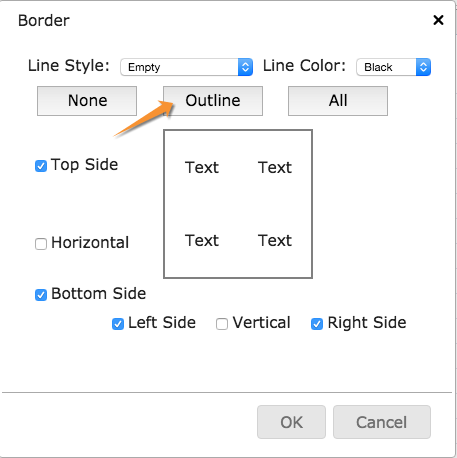
You also have the option to auto create an outline border or an all cell border.
When building a border, you can also choose the border line color and the line style.