-
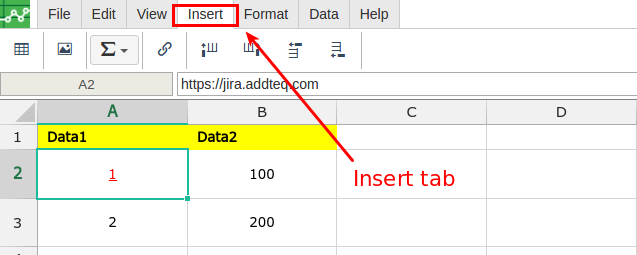
Open the Excellentable in edit mode and go to "Insert" Tab
-
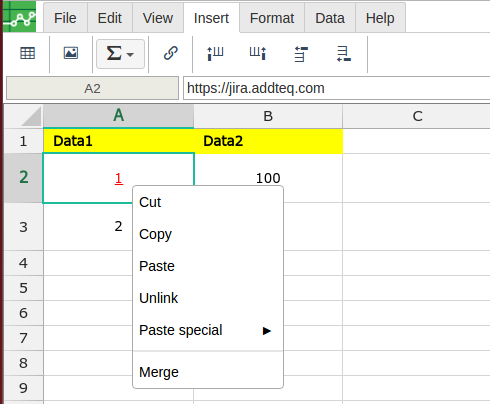
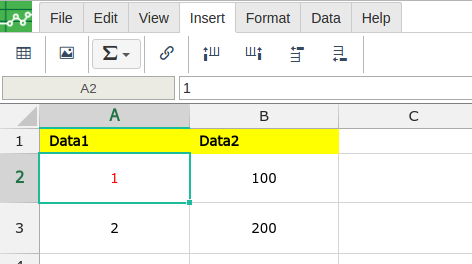
Select the cell which is hyperlinked and press right click on mouse button and click Unlink option

Open the Excellentable in edit mode and go to "Insert" Tab
Select the cell which is hyperlinked and press right click on mouse button and click Unlink option